
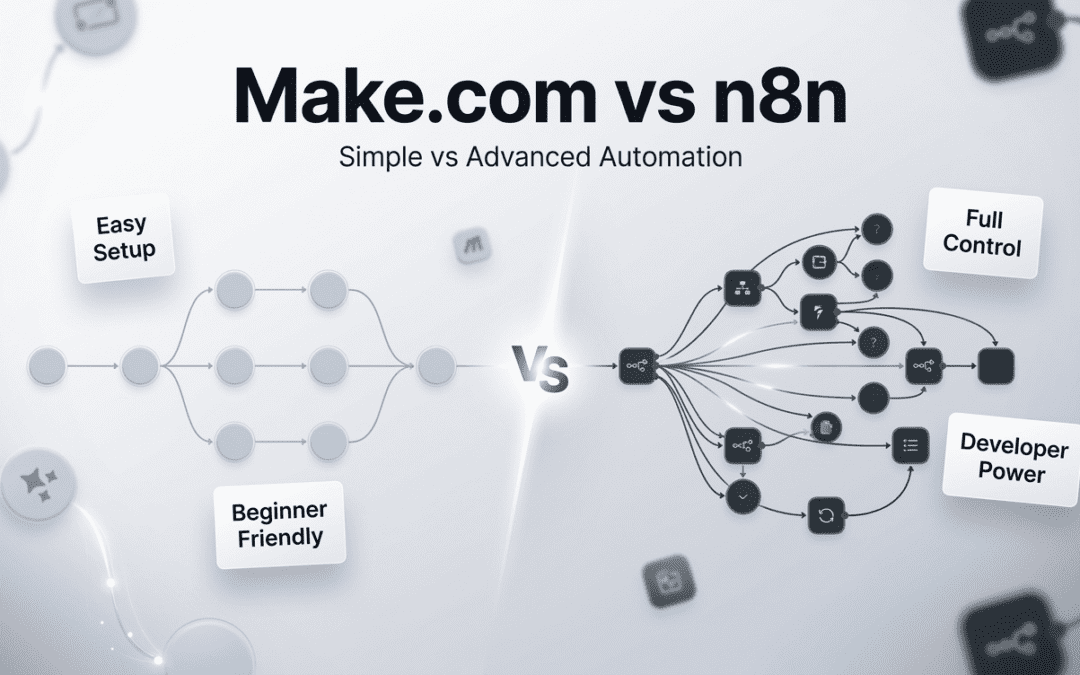
If you have spent any time researching no-code workflow automation for your business, two platforms will inevitably dominate your shortlist: Make.com and n8n. Both promise to eliminate manual, repetitive work. Both claim to connect your entire tech stack. Both are trusted by thousands of businesses globally. But here is the truth — they are built for fundamentally different types of organisations, and picking the wrong one is a costly mistake.
This is the definitive guide to Make.com vs n8n in 2026. It is written specifically for founders and CEOs — decision-makers who need strategic clarity, not a feature-by-feature technical breakdown. By the time you finish reading, you will know exactly which best automation tool for business fits your team, your growth stage, and your compliance requirements. In 2026, the average knowledge worker switches between 35 apps daily, losing over 2.5 hours to manual tasks that automation could eliminate.
What Is Make.com?
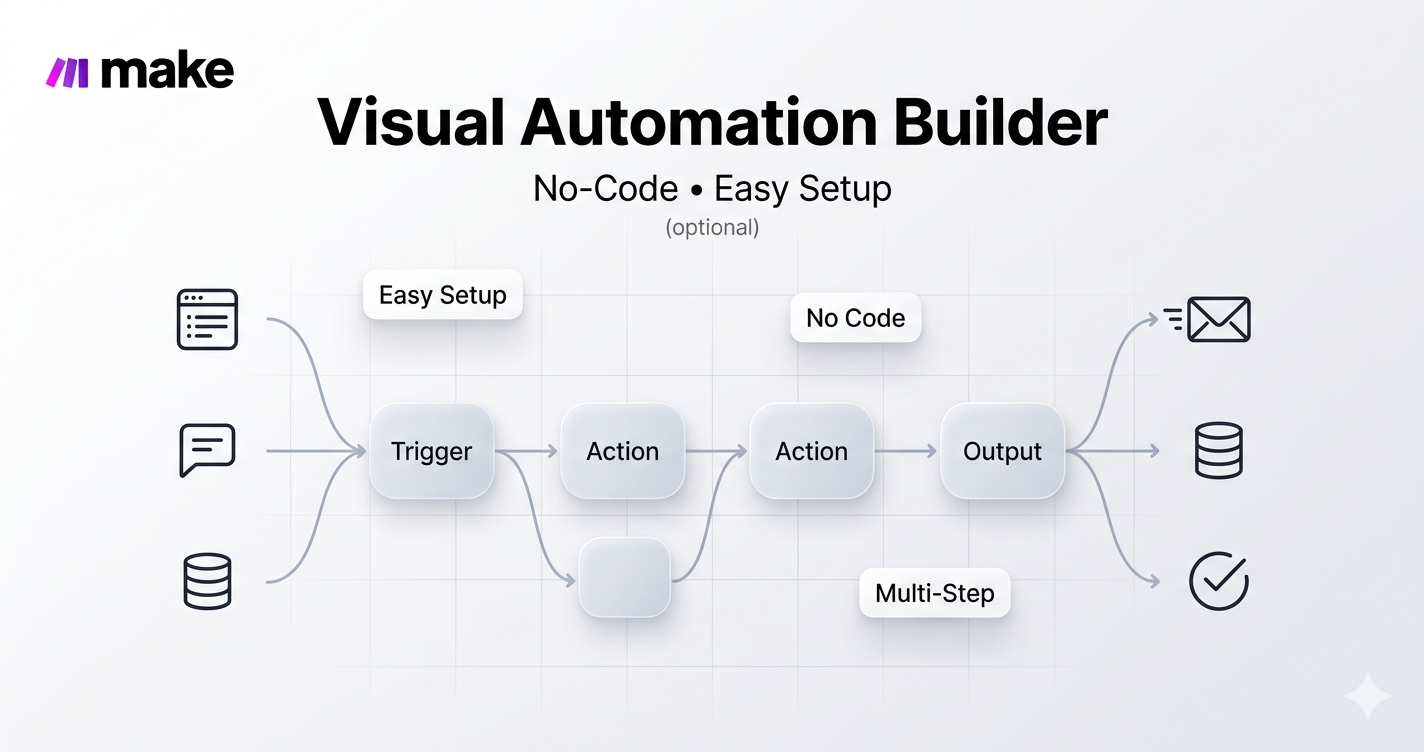
Make.com is a cloud-based visual no-code workflow builder that lets you connect thousands of applications and automate multi-step processes without writing a single line of code. Formerly known as Integromat, Make rebranded in 2022 and has since grown into one of the most popular workflow automation for founders and agencies alike.
At its core, Make operates through “scenarios” — visual flowcharts that define exactly how data moves between applications. Each individual action within a scenario consumes a “credit” (formerly called an operation), and your monthly plan determines how many credits you have available.
Key Strengths of Make.com
- 3,000+ native integrations: From HubSpot and Salesforce to Slack, Google Workspace, Shopify, and OpenAI — Make.com integrations cover virtually every mainstream business tool.
- Beginner-friendly visual interface: The drag-and-drop scenario builder is intuitive enough for non-technical team members to build and maintain workflows independently.
- Advanced error handling: Make.com allows you to define exactly what happens when an automation step fails — a critical feature for business-critical workflows.
- AI-native in 2026: Make now supports native integrations with OpenAI, Anthropic Claude, and Google Gemini, enabling AI-powered automation pipelines without code.
- Managed cloud: No servers to manage, no infrastructure headaches. Make handles updates, uptime, and security entirely.
For a deeper look at Make.com’s capabilities in context, read our earlier breakdown of Best No-Code Automation Tools in 2026 where we compare the wider landscape of platforms.
What Is n8n? The Open-Source Automation Powerhouse
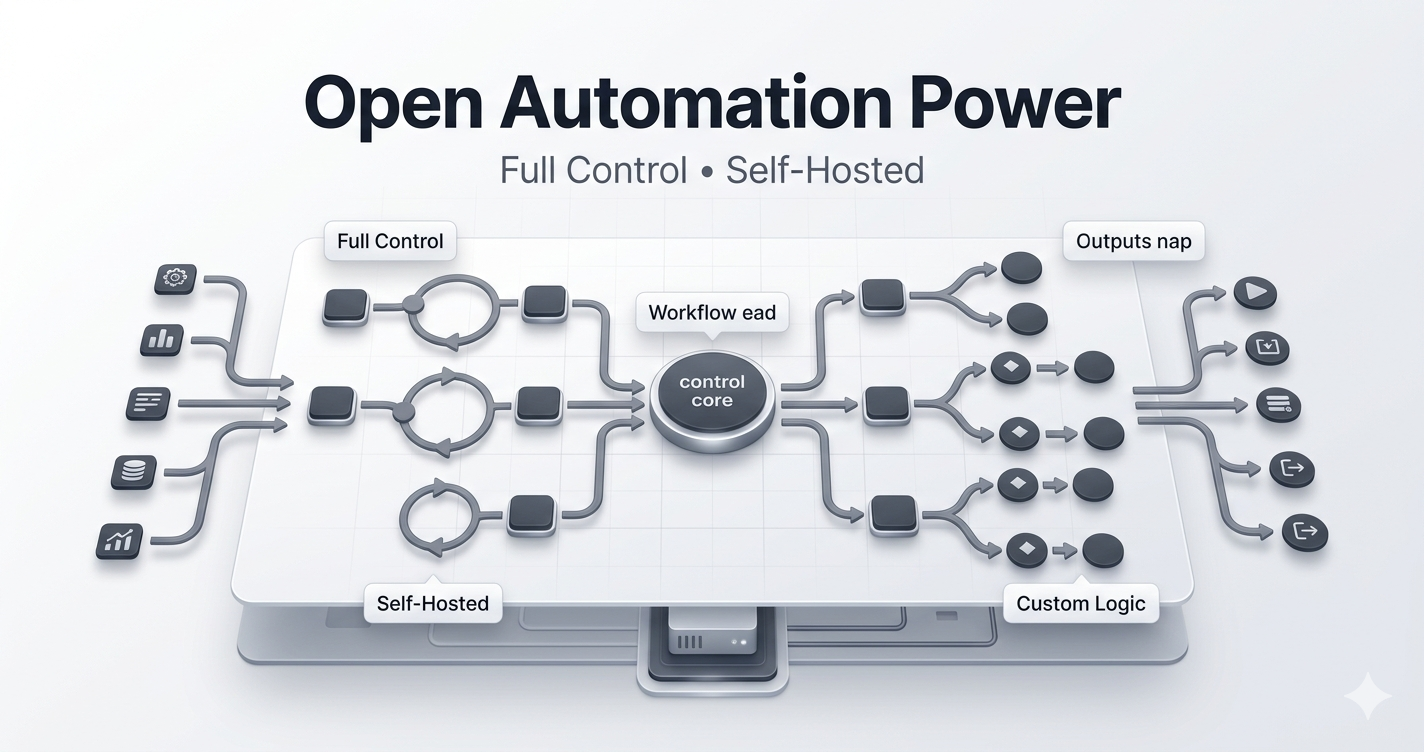
n8n is an open-source, fair-code workflow automation platform that can be self-hosted on your own infrastructure or used via their managed cloud service. Founded in 2019, n8n has grown rapidly, attracting a strong community of developers, technical founders, and data-sensitive organisations who need full control over their automation environment.
Unlike Make.com’s operation-based billing, n8n charges per workflow execution — meaning an entire multi-step workflow run (regardless of how many steps it contains) counts as a single execution. For complex, high-volume automations, this billing model can represent a dramatic cost advantage.
The n8n self-hosting option (Community Edition) is completely free with unlimited executions. This makes it one of the most powerful free tools available for technically capable teams and a leading Zapier alternative in 2026 for cost-conscious organisations.
Key Strengths of n8n
- Self-hosted and free: The Community Edition gives you full n8n functionality at zero licensing cost. You only pay for your server infrastructure — typically $5–$50/month depending on volume.
- Open-source and extensible: Developers can write custom nodes, extend core functionality, and integrate with virtually any proprietary system.
- Full data privacy: When self-hosted, your data never leaves your environment. This is non-negotiable for regulated industries — healthcare, finance, legal, and GDPR-heavy operations.
- Execution-based pricing: One complete workflow run = one execution, regardless of how many steps it contains. This is significantly more cost-effective than per-operation billing at scale.
- Native code support: n8n allows you to run custom JavaScript and Python directly within your workflows — something Make.com cannot match natively.
n8n’s approach to automation is deeply aligned with what we covered in our guide on AI Agents and Answer Engine Optimisation in 2026 the shift toward autonomous, programmable business systems.
Make.com vs n8n — Head-to-Head Feature Comparison
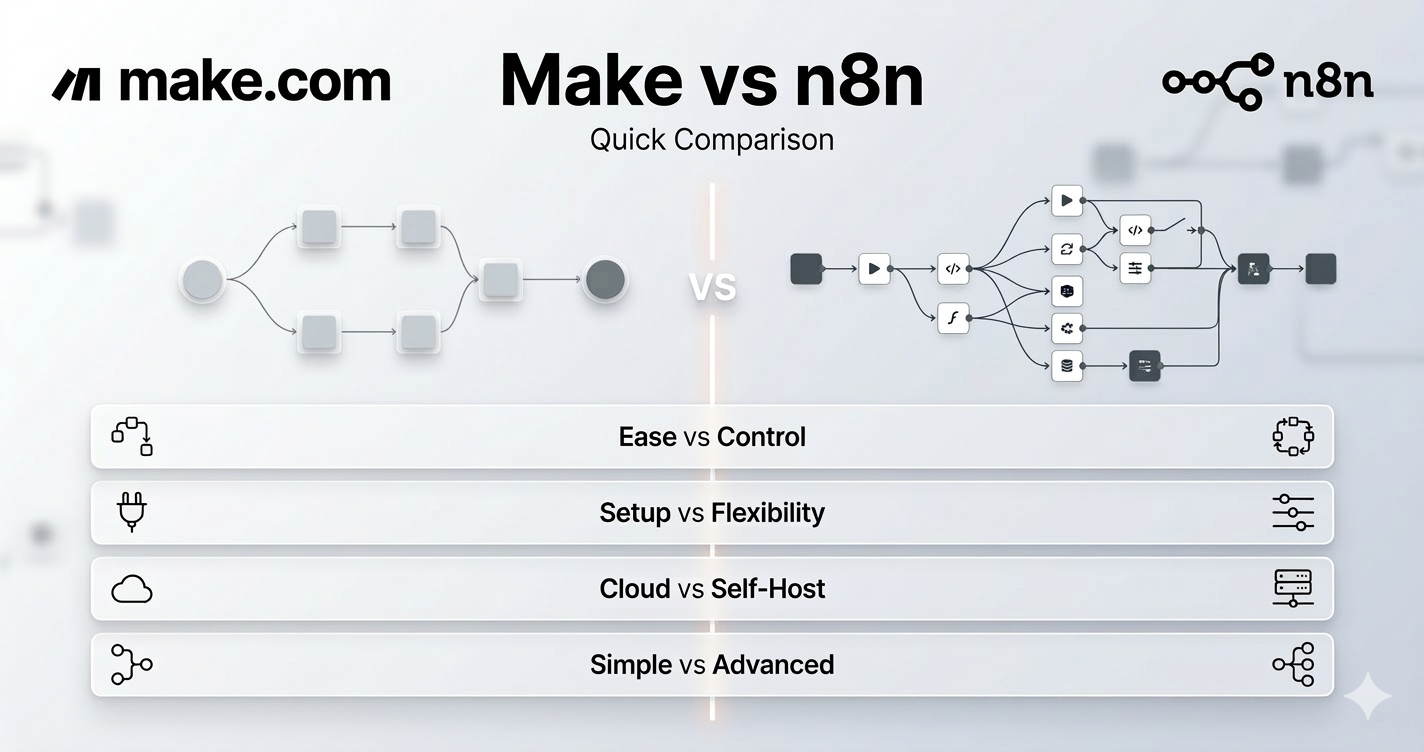
The table below provides a direct no-code automation platform comparison across the dimensions that matter most to business decision-makers. Use this as your quick reference before diving into the detailed analysis.
| Category | Make.com | n8n |
|---|---|---|
| Starting Price | $10.59/mo (Core) | Free self-host / ~$20/mo cloud |
| Free Tier | 1,000 credits/month | Community Edition (unlimited) |
| Billing Model | Per credit / operation | Per workflow execution |
| Hosting | Cloud only (AWS) | Self-host or cloud (Azure Frankfurt) |
| Ease of Use | Beginner-friendly | Moderate to steep |
| Data Privacy | SOC 2 / GDPR (Make’s servers) | Full control (self-host) |
| Integrations | 2,500+ native apps | 1,200+ apps + custom nodes |
| Custom Code | Limited (paid plans) | Full JS + Python support |
| AI Capabilities | AI Agents (April 2025) | 70+ AI nodes, RAG, LangChain |
| Open Source | No | Yes (fair-code licence) |
| Best For | Agencies, non-technical teams | Developers, regulated industries |
The table captures the surface differences, but the one contrast worth holding onto is this: Make.com pushes complexity into its interface — more visual configuration, more clicks, more guided steps. n8n pushes complexity into your brain — more code, more control, more decisions you make upfront. Neither is worse. They’re optimised for fundamentally different operators
The Real Pricing Story: What n8n vs Make Pricing Actually Means for Your Business
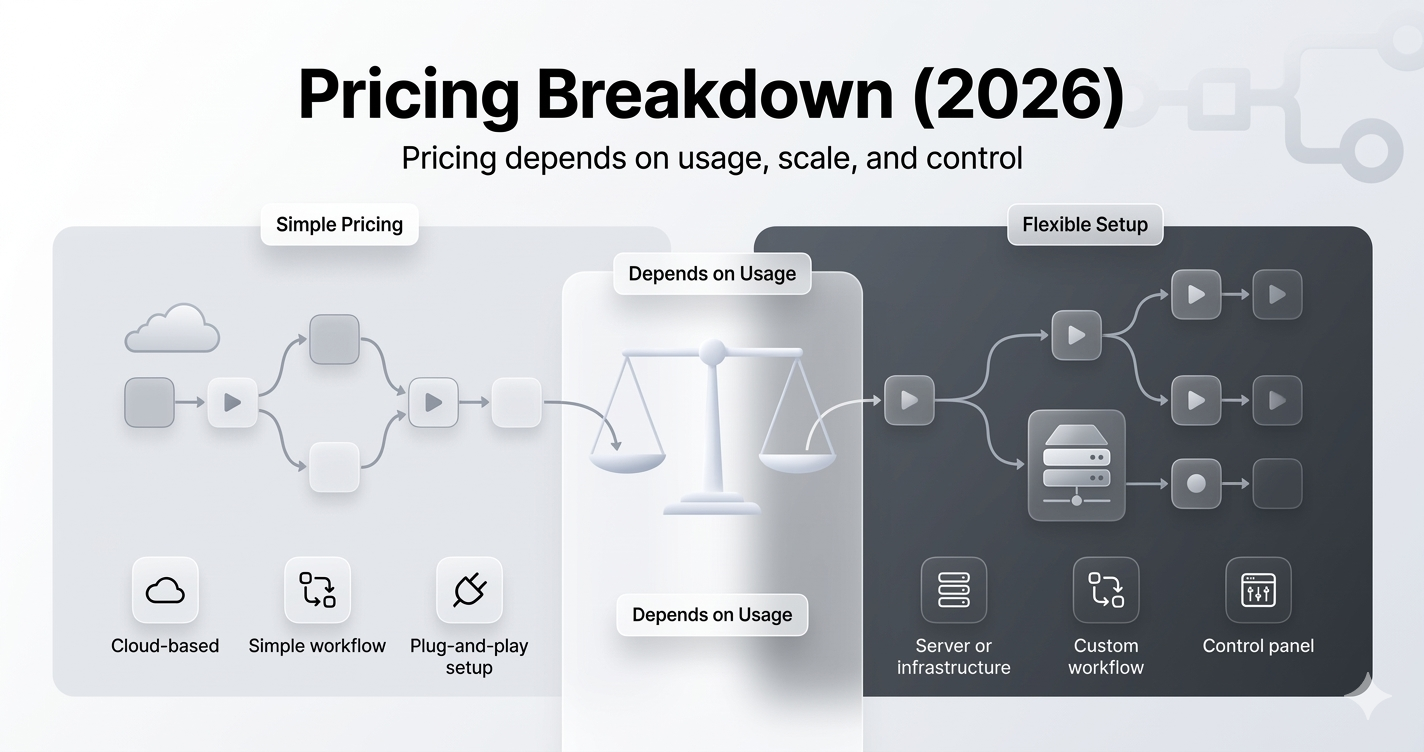
Every pricing comparison of these two platforms ends up misleading people because it compares headline subscription numbers rather than what the cost actually looks like when your automations are running in production. Let’s fix that.
| Platform | Plan | Price | Usage | Best Fit |
|---|---|---|---|---|
| Make.com | Free | $0/mo | 1,000 credits | Solo testing |
| Make.com | Core | $10.59/mo | 10,000 credits | Small teams |
| Make.com | Pro | $18.82/mo | 10,000 credits + priority | Growing SMBs |
| Make.com | Teams | $34.12/mo | 10,000 credits + collab | Agencies |
| n8n | Self-Host | ~$5–20/mo (infra only) | Unlimited executions | Technical founders |
| n8n | Cloud Starter | ~$20/mo | 2,500 executions | Early-stage startups |
| n8n | Cloud Pro | ~$50/mo | 10,000 executions | Growing businesses |
| n8n | Business | Custom | 40,000+ executions | Enterprise teams |
The credit vs execution problem
This is where the n8n vs Make pricing conversation gets real. Make bills per credit, and credits are consumed per step. Filter a dataset? Credit. Format a date? Credit. Loop through 500 rows? 500 credits minimum. One developer we spoke to described it perfectly: “Make punishes iteration.” If you build an inefficient workflow or if your data volume suddenly spikes, you can burn through a month of credits in a day.
n8n charges per execution one complete workflow run regardless of how many nodes it contains. A 30-step workflow that runs 200 times a month costs the same as a 3-step workflow running 200 times. That’s not just cheaper for complex workflows. It actively encourages you to build better, more sophisticated automations without worrying that adding error-handling logic will double your bill.
The hidden cost of n8n self-hosting
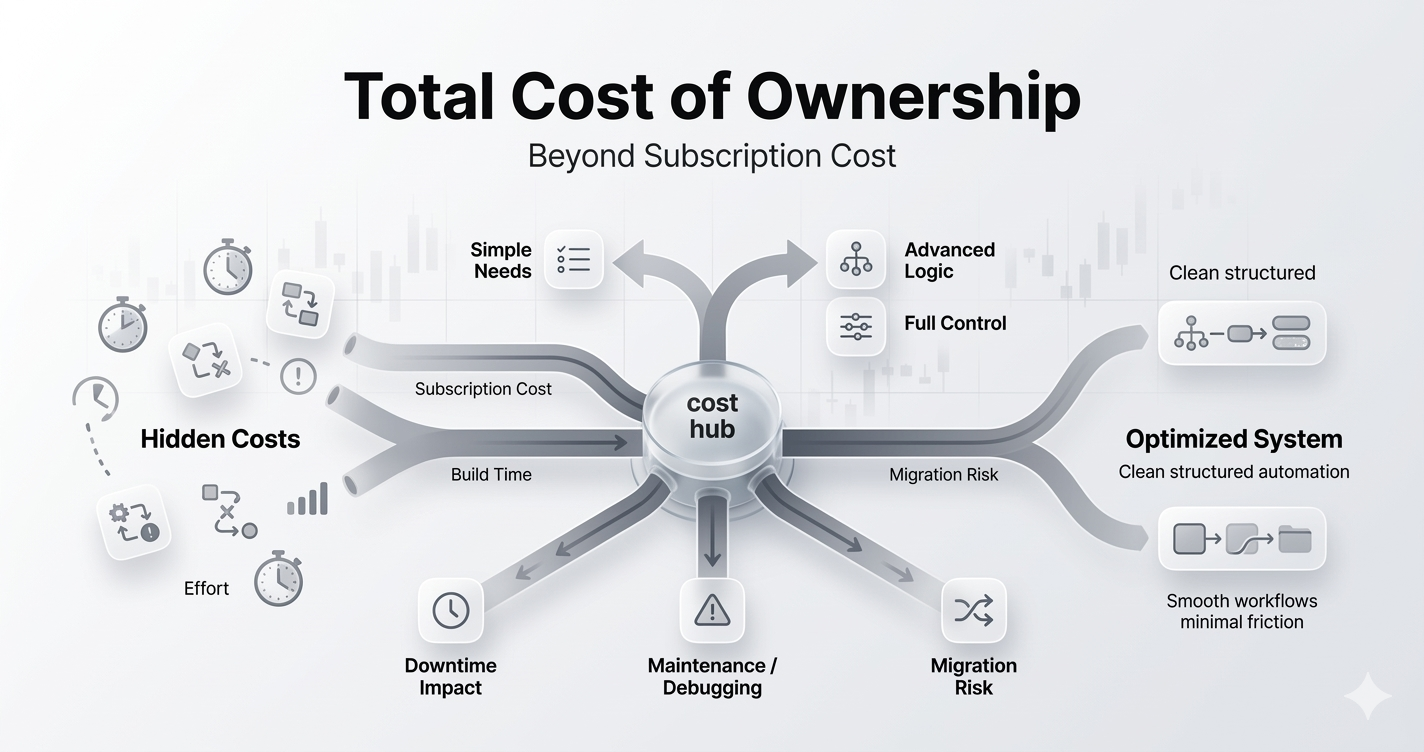
The Community Edition is genuinely free. But “free” is only accurate if your time is also free. A production-grade n8n deployment with Postgres, Redis, NGINX, automated backups, and SSL management takes a competent DevOps engineer several hours to set up correctly and ongoing attention to maintain. Factor in the realistic server cost ($20–$80/month), and self-hosted n8n costs somewhere between $240 and $960 per year before human time. For high-volume workflow automation for founders and technical teams, this is still dramatically cheaper than any SaaS alternative at scale. For everyone else, it’s a hidden cost that needs to be priced honestly.
Which One Should You Actually Choose? An Honest Decision Framework
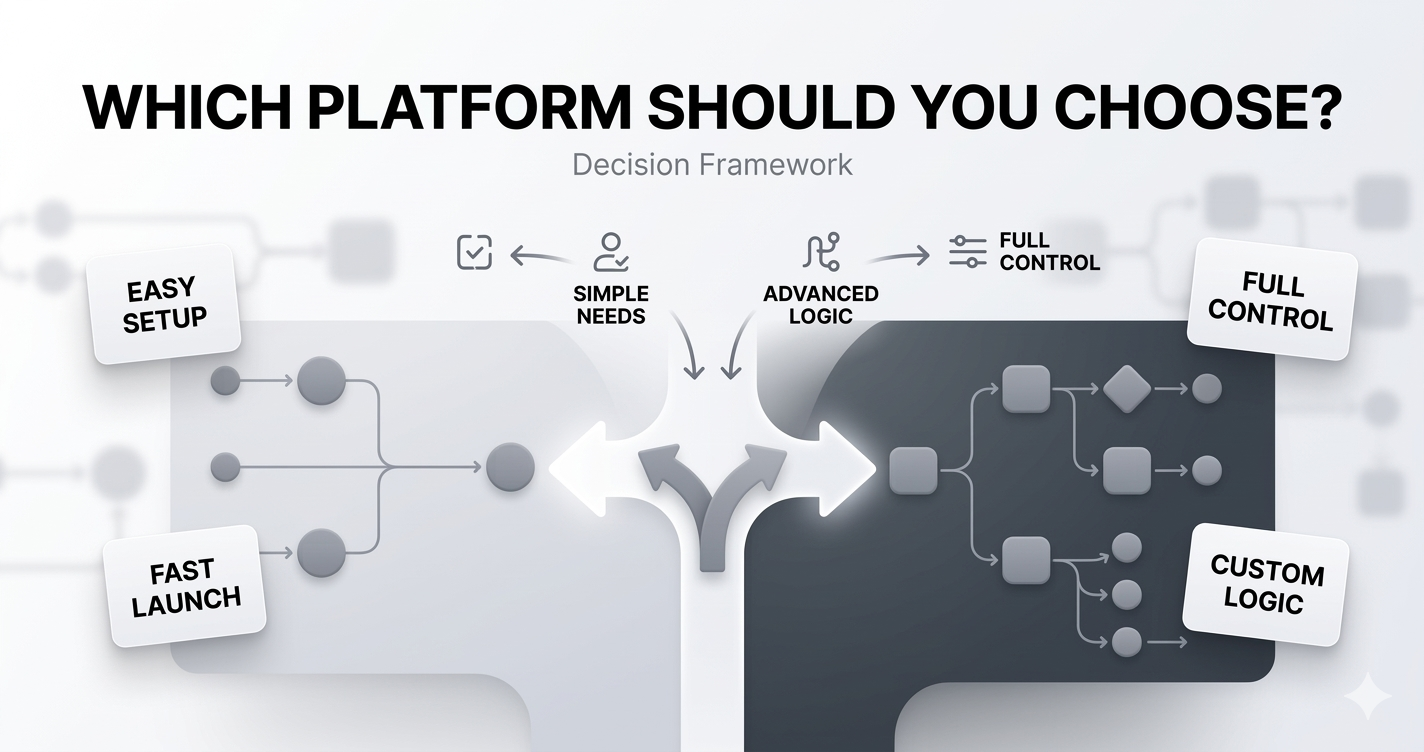
Stop looking for the “better” platform. Start looking for the right platform for the team and business you have right now. Here’s how to think through it:
Choose Make.com if your situation looks like this
- Your team has no technical infrastructure experience and zero appetite to acquire it. Make is fully managed — you build automations, they handle everything else
- You’re running a digital marketing agency managing multiple client workflows. Make’s shared scenario management and clean visual interface make client handoffs significantly easier
- Your workflows are primarily connecting mainstream SaaS tools — CRMs, email platforms, ad platforms, project management tools
- You need people in production within a week. Make.com’s onboarding is genuinely fast for non-technical operators
- Your automation volume is predictable and moderate — under 100,000 credits per month
Choose n8n if your situation looks like this
- You operate in healthcare, finance, legal, or any sector where sending customer data through a third-party cloud platform is a compliance risk
- You have a CTO or DevOps engineer who can manage containerised infrastructure and won’t treat server maintenance as a distraction
- Your workflows are complex, data-intensive, and run at high volume. The execution-based billing will save you significant money
- You need custom logic that no visual interface can handle — proprietary data transformations, internal system integrations, bespoke API workflows
- You’re looking for a serious Zapier alternative 2026 that doesn’t just cut the price but genuinely expands what’s possible
- Data privacy automation and full data sovereignty are strategic priorities you want your automation layer inside your own environment.
The hybrid approach is more common than people think
Some of the most sophisticated automation stacks we’ve seen at Gonzo Digital run both. Make.com handles all client-facing, non-sensitive marketing and CRM workflows. n8n runs in the background managing internal data pipelines, financial reporting, and anything touching customer PII — on a self-hosted instance with full audit trails. For a scaling business handling sensitive operational data across multiple functions, this isn’t overengineering. It’s smart architecture.
Gonzo Digital’s Verdict — And Why We’re Not Picking a Universal Winner
We’ve been asked to pick a winner in the Make.com vs n8n debate more times than we can count. We consistently refuse to, for the same reason a good doctor refuses to prescribe medication before diagnosing the patient.
What we will say is this: Make.com is the right default for 70% of the businesses we work with. Non-technical teams, agencies managing client accounts, growth-stage startups without a DevOps function — all of them get better outcomes faster with Make. The platform is genuinely good, the integration library is comprehensive, and the peace of mind of a fully managed cloud service has real value that doesn’t show up in a feature comparison table.
n8n is the right choice for the other 30% and for that 30%, it’s not even close. Regulated industries, technical teams, high-volume workflows, and businesses where data sovereignty is a board-level concern should not be running on a platform where their data lives on someone else’s servers. n8n’s self-hosted Community Edition, combined with execution-based billing, is the most powerful no-code automation platform available at any price point if you have the team to run it properly.
The most dangerous thing you can do is choose based on which platform sounds more impressive. Choose based on what your team will actually execute on six months from now.
💡 At Gonzo Digital, we don’t just recommend a platform we build the workflows, document the systems, and train your team to own them independently. Whether you’re on Make, n8n, or migrating between the two, we’ve been there.
Conclusion
The Make.com vs n8n decision isn’t really a technology decision. It’s a question about your team, your data, and your growth trajectory. Make.com gives you speed, simplicity, and a fully managed experience. n8n gives you control, cost efficiency at scale, and business process automation that runs entirely within your own infrastructure.
What both platforms share and what every CEO evaluating them should take seriously — is that the real return on automation isn’t in the tool. It’s in the quality of the systems you build with it. A poorly designed workflow on Make will be cheaper to run than a poorly designed workflow on n8n, but neither will deliver the operational leverage that serious automation is capable of.
Build intentionally. Start with the processes that cost you the most time. Measure what you automate. And pick the platform that your team will actually use well — not the one that wins a features comparison on paper.
Gonzo Digital’s No-Code Automation Services are built for exactly this. If you want a clear-eyed assessment of which platform fits your specific situation, that conversation is worth having.
Q: Is Make.com better than n8n for small businesses?
Ans: For most small businesses without a technical team, yes. Make.com deploys faster, requires no server management, and the learning curve is manageable for any operations hire. If you have technical capability in-house and are watching costs carefully, n8n’s free self-hosted edition is hard to argue against.
Q: Which is cheaper — n8n or Make.com?
Ans: Make.com wins at low volume. n8n wins at scale. The difference is structural: Make charges per step, n8n charges per full workflow run. Complex, high-frequency workflows are dramatically cheaper on n8n.
Q: Is Make.com a good Zapier alternative in 2026?
Ans: Yes — 3–5x cheaper per operation than Zapier with far more sophisticated workflow logic. For technical teams wanting even more control, n8n is the stronger Zapier alternative 2026.
Q: Can workflows be migrated between Make.com and n8n?
Ans: No. There’s no native import tool — migration means rebuilding from scratch. If you think you’ll eventually want n8n’s capabilities, factor that rebuild cost into your decision now.