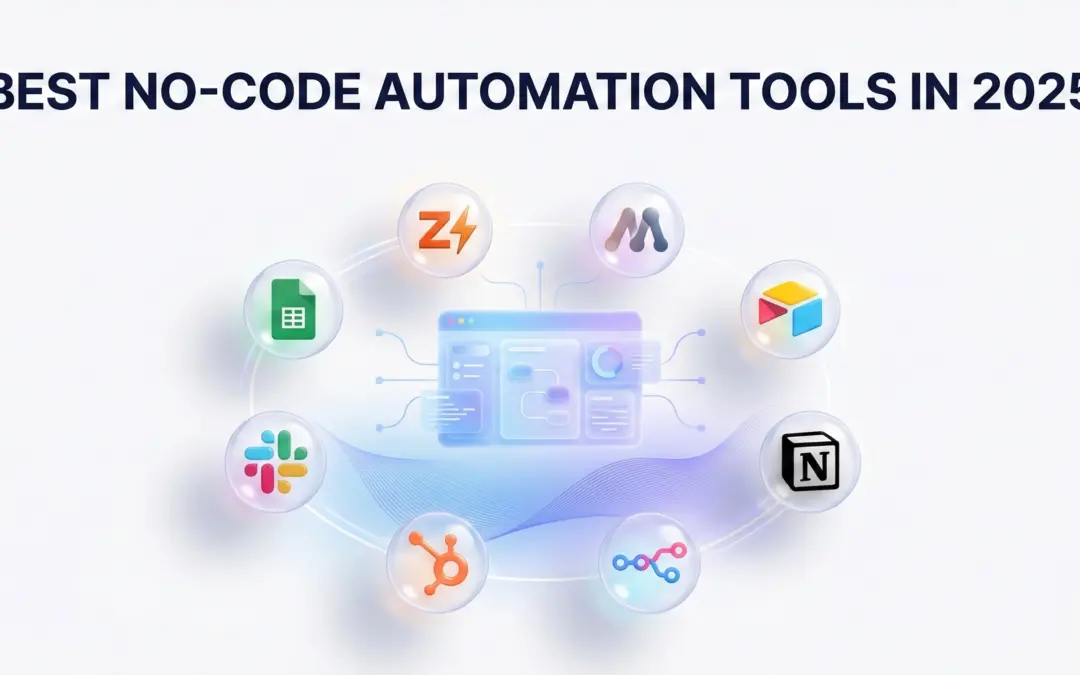
Finding the Best No-Code Automation Tools in 2026 isn’t just about software; it’s about survival.
As a Founder or CEO, you don’t have an “efficiency” problem; you have a “time” problem. You are likely spending hours on tasks that a script could do in milliseconds. Data entry, lead routing, updating CRMs—it’s the grunt work that kills momentum.
In 2026, the difference between a stagnant business and a predictable growth engine isn’t luck. It’s automation. Specifically, finding the best no-code platforms 2026 has to offer.
At Gonzo Digital, best digital marketing agency & no code automation services provider we don’t just read about these tools; we break them. We’ve built systems that save clients 40+ hours a week, and I’ve personally seen workflows fail miserably because the wrong tool was chosen.
This guide isn’t just a generic list. This is a battle-tested breakdown of the best no-code automation tools that actually work, designed to help you scale without writing a single line of code.
What Are No-Code Automation Tools?
No-code automation tools are software platforms that allow you to connect different applications, transfer data, and execute complex workflows without writing a single line of code. They typically use a visual interface (drag-and-drop) to let non-technical users build “triggers” (when this happens) and “actions” (do this).
For Example, Two years ago, if you wanted to integrate your CRM with a custom dashboard, you needed a developer, $5,000, and three weeks. Today, you need one afternoon and the right login.
Eliminates the need for expensive custom development for internal tools. But honestly, ‘saving money’ is just a buzzword until you see the actual math. I built a free Automation ROI Calculator so you can stop guessing and see exactly how much profit you are losing to manual tasks every single month.
Why Business Owners Are Switching to No-Code in 2026
Why is everyone obsessed with no-code workflow automation tools right now? It’s not just a trend. The shift toward no-code is driven by efficiency and speed. Here is why CEOs are mandating these no-code automation software tools:
Speed to Market: You can build and launch a workflow in minutes, not weeks.
Reduced Costs: Eliminates the need for expensive custom development for internal tools.
Scalability: These tools handle thousands of tasks simultaneously, allowing you to grow without hiring more admin staff.
Democratization: Marketing and Sales teams can own their processes without waiting for IT approval.
If you are looking for workflow automation without programming, you are in the right place. If you aren’t automating, you’re overpaying.
How We Chose the Best No-Code Automation Tools (The Criteria)
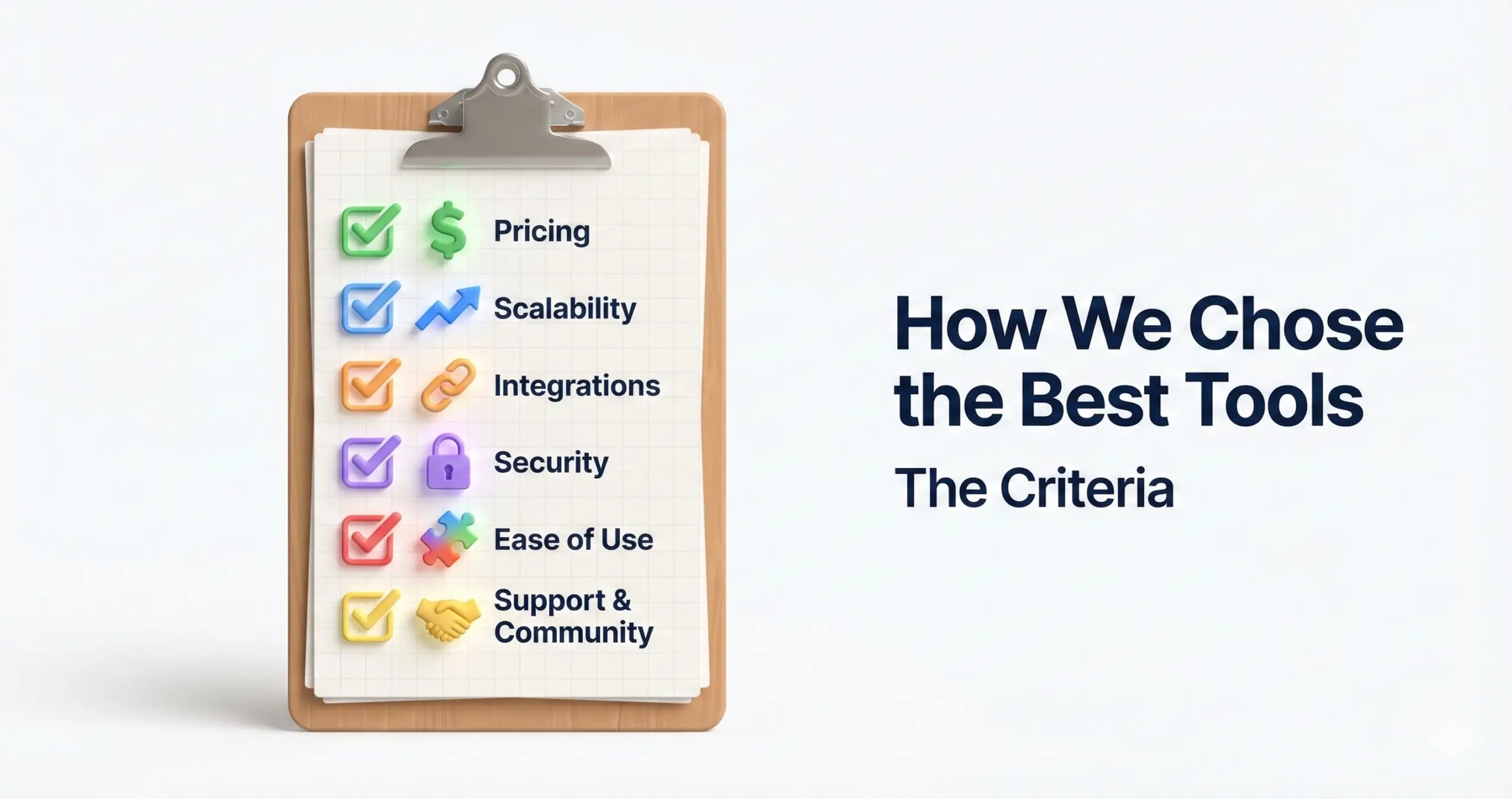
I didn’t just pull these names out of a hat. When I’m performing a no-code automation tools comparison for a client, I look at four things:
- Integration Ecosystem: How many apps does it connect to? We want easy no-code automation tools to use, not rocket science.
- Ease of use: Someone without a technical background actually work with it day-to-day, or does it still feel like you need to know a bit of coding to get anything done?
- Scalability: If the business grows, can the tool comfortably handle larger workflows and heavier data loads—something closer to what an enterprise setup would require?
- Pricing: Is the cost per task or operation fair, or does it become expensive once you start automating more processes?
- AI capabilities: Does it plug in smoothly with AI assistants like ChatGPT, Claude, or other agent frameworks? Or Does it offer no-code automation tools with AI integration?
The Top 15+ No-Code Automation Tools (2026 Edition)
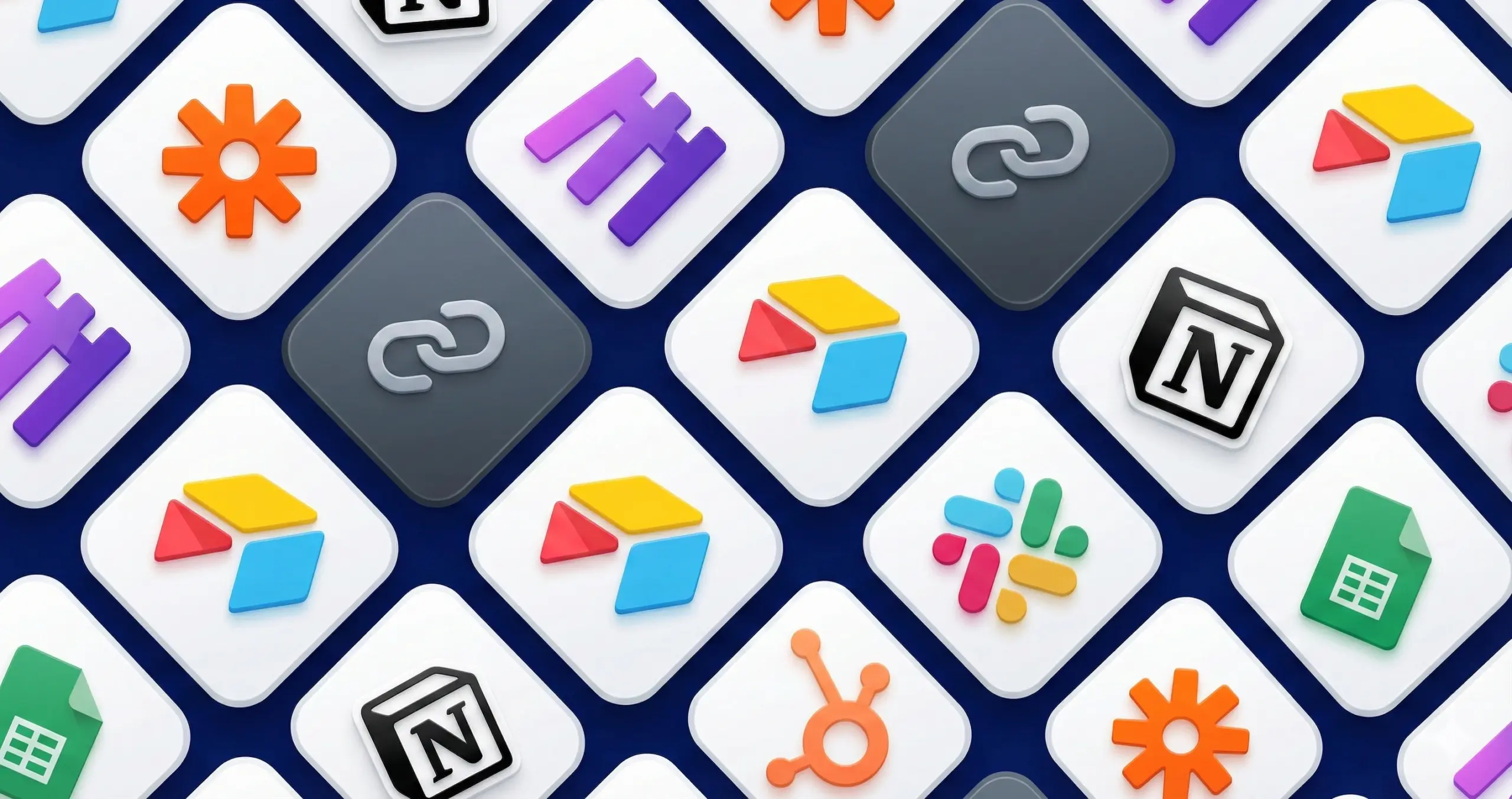
1. Zapier
The most recognized name in the no-code automation industry. With a library of 6,000+ integrations, it is one of the best no-code automation tools for small businesses trying to align sales and marketing.
My Take: Zapier automation workflows is the gateway drug to automation. It’s incredibly easy to use. However, be careful—as you scale, the bill scales with you. If you are looking for “how to use Zapier for business,” the answer is usually: it connects everything.
- Best For: Beginners and for simple integrations.
- Key Feature: Their “Zaps” (workflows) are incredibly simple to set up.
- Pricing: Free trials are available and paid plans start at ~$20/month.
Gonzo Verdict: Reliable, but watch your wallet.
2. Make (formerly Integromat)
The Visual Mastermind
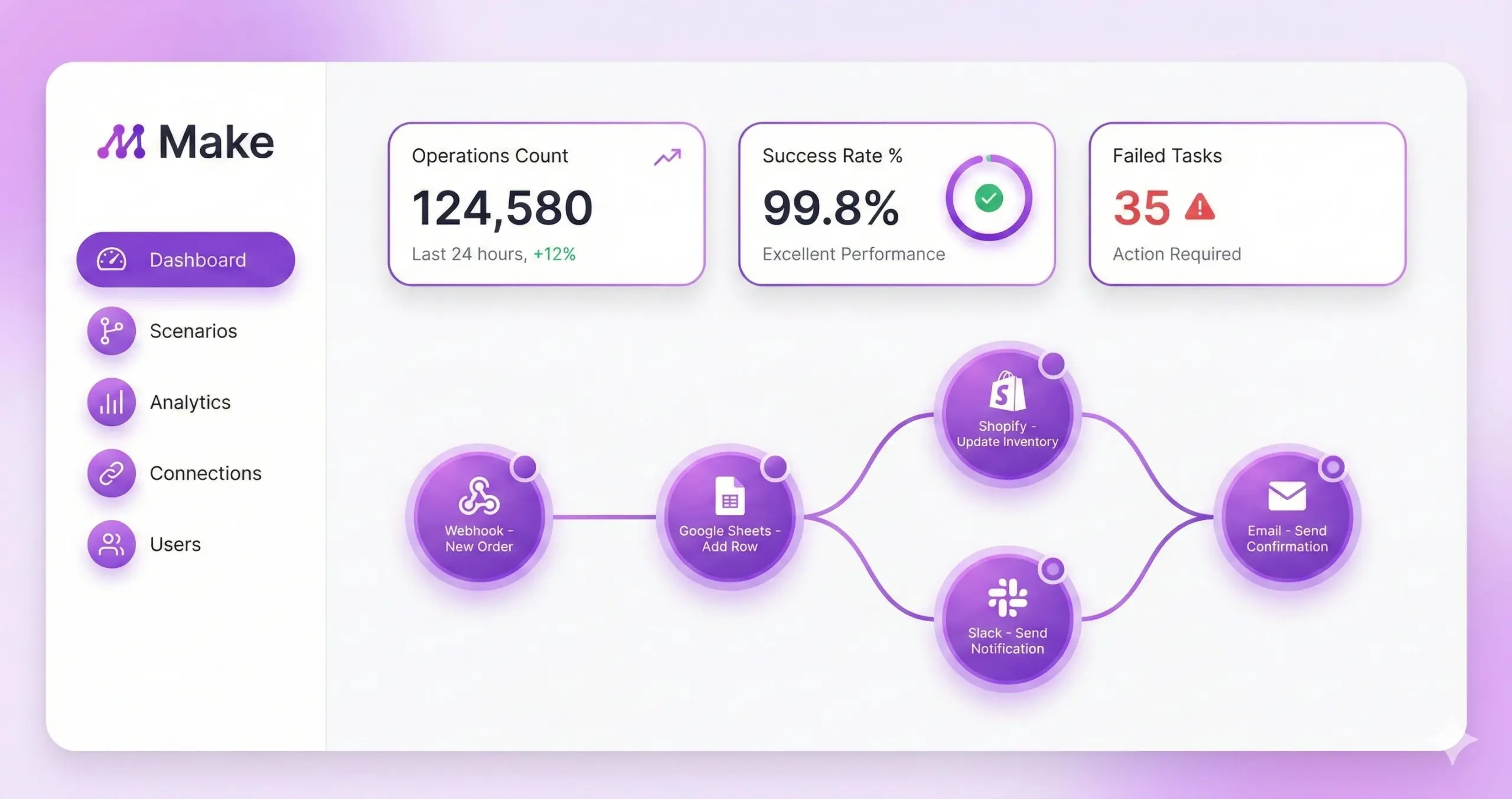
If Zapier is a list, Make is a canvas. This is my personal favorite when I need workflow automation platforms no-code enthusiasts can actually see and understand. Best make automations lets you visualize workflows like a mind map, dragging bubbles around to create logic loops and branches, which makes it easier to understand.
My Take: In the debate of integromat v/s zapier the best automation tools without coding, Make wins on technical capability and price. It’s cheaper and handles complex data much better. But, it has a steeper learning curve so you might need to watch a tutorial or two.
- Best For: detailed(complex) workflows and agencies.
- Key Feature: The make.com automation has visual drag-and-drop builder that looks like a mind map.
- Pricing: Generous free trial; significantly cheaper than Zapier for high volume.
- Gonzo Verdict: The best ROI for serious automators.
Here is a detailed comparison of Zapier vs Make to help you decide which automation tool is better for your business.
3. n8n
The Open-Source Rebel
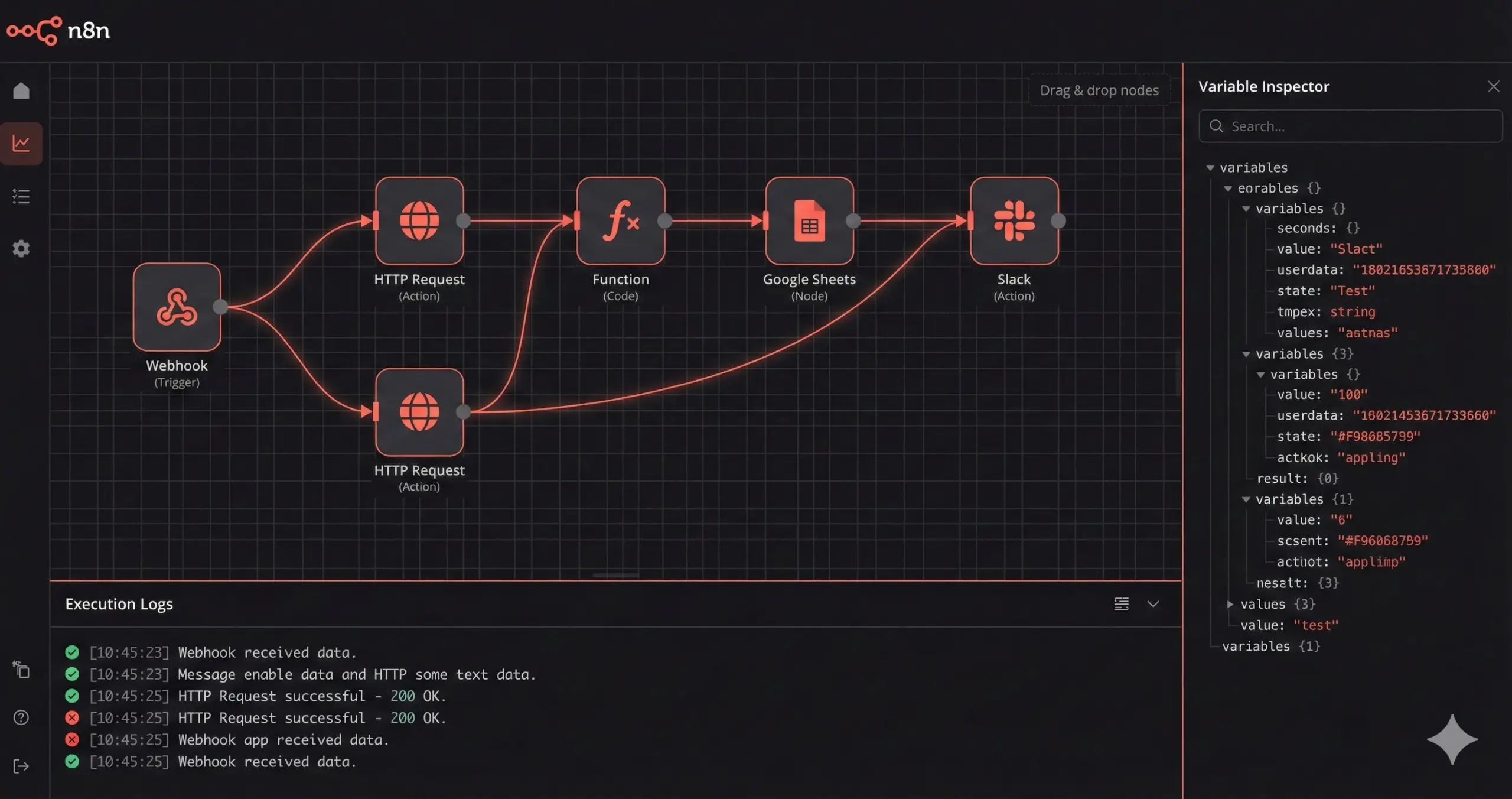
n8n open source automation is distinct because it’s “fair-code.” You can host it on your own server. For those looking for no-code integration tools that prioritize privacy (GDPR compliance), this is the go-to.
My Take: It’s powerful, but it’s not for the faint of heart. You need a bit of technical knowledge on how to set up n8n advanced workflows initially.
- Best For: Those with Tech-savvy teams and privacy-focused founders.
- Key Feature: Self-hosting options and fair-code licensing.
- Pricing: Free if self-hosted; Cloud versions available.
- Keyword Insight: It is one of the premier no-code AI automation solutions if you self-host LLMs.
4.Airtable
The Database Hybrid
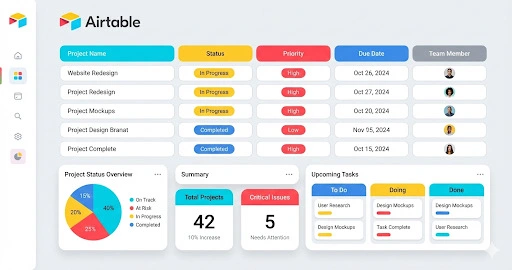
Is it a spreadsheet? Is it a database? It’s both, and it has automation built-in. As far as no-code automation tools for startups go, this is essential. I use Airtable as the “brain” for many marketing operations. You can trigger emails or Slack messages the moment a status changes from “In Progress” to “Done.”
- Best For: Managing the content calendars and internal CRMs.
- Key Feature: Has Interface Designer and built-in “Automations” tab.
- Pricing: Freemium model with scalable enterprise tiers.
5. Bubble
The App Builder
Bubble no-code app builder isn’t just for connecting apps; it’s for building them. It is the king of no-code app builders with automation. If you want to create a SaaS product without hiring a dev team, Bubble automation tools is the industry standard.
My Take: Automating workflows in Bubble allows you to build full-scale logic (like Uber or Airbnb clones) entirely and visually.
- Best For: Those founders who are building an MVP (Minimum Viable Product).
- Key Feature: Complete design freedom + backend database logic.
- Pricing: Starts at ~$29/month.
6. Parabola
The Data Cruncher
Zapier moves data; Parabola data automation fixes data.If you need automated workflow platforms without coding that can handle messy spreadsheets, this is your tool.
- Best For: E-commerce automation with parabola best for shops with heavy inventory lists.
- Key Feature: Drag-and-drop data flows for cleaning and merging spreadsheets.
- Pricing: Geared toward business users.
7. Tray.io
The Enterprise Heavyweight
You won’t find this in a small startup. Tray.io enterprise integration is built for the Fortune 500. It is often considered one of the best Low code Automation Tools for enterprise scale because it allows for deep custom logic.
- Best For: Large enterprises.
- Key Feature: It has a Universal connector and deep logic capabilities.
- Pricing: Custom pricing (expensive).
- My Take: Overkill for small businesses, essential for huge ones.
8. Pabbly Connect (The Automate.io Alternative)
I often recommend Pabbly Connect as affordable no-code automation software because of their lifetime deals. It’s not as polished as Zapier, but it gets the job done for a fraction of the price.
9. Outfunnel
The Sales & Marketing Bridge
Stop fighting with your sales team about leads. Outfunnel connects your CRM (like Pipedrive) to your email tools (like Mailchimp) perfectly. Itl is one of the best no-code automation tools for small businesses trying to align sales and marketing.
- Best For: All B2B Sales alignment.
- Key Feature: It provides deep integration between CRMs and email tools like Mailchimp.
10. IFTTT
The Lifestyle Automator
“If This Then That” is the best drag-and-drop automation software for consumer devices.
- My Take: Great for smart homes, useless for complex business logic.
11. Webflow
Design Meets Logic
Webflow is famous for design and website builder, but its “Logic” flows make it a stronger automation player. It is quickly becoming a competitor in the no-code app builders with automation space for web-based projects.
- Best For: No Code Agencies and Designers.
- Key Feature: Webflow CMS automation allows for programmatic SEO pages.
12. AppGyver
The Pro’s Choice
Now owned by SAP, this is for building serious, enterprise-grade mobile apps without code. It borders on being a Low-Code Authoring Agent for mobile development because it handles such complex logic
- Best For: Enterprise mobile app development.
- Key Feature: “Composer Pro” interface.
13. Zoho Flow
The Ecosystem Play
If you want zero-code business process automation and you already use Zoho, stay in the ecosystem. It works so seamlessly.
- Best For: The Current Zoho One users.
- Key Feature: Deluge scripting for advanced custom functions.
14. Kissflow
The Process Manager
This is for HR and Procurement departments.It is one of the best Codeless Automation Testing Tools for internal processes and approvals.
- Best For: Mid-market to Enterprise internal operations.
- Key Feature: Process-centric workflow design.
15. Relay.app
The New Kid on the Block
I’m keeping an eye on Relay. It focuses on “Human-in-the-Loop” automation—meaning it pauses the automation to ask you for input before continuing. It is paving the way for AI-powered no-code automation by keeping humans in the loop.
Quick Comparison: Which One Fits You?
|
Tool |
My Verdict |
Best Feature |
Difficulty |
|
Zapier |
The safe bet |
Huge integration list |
Easy |
|
Make |
The smart choice |
Visualizing logic |
Medium |
|
n8n |
The privacy choice |
Self-hosting |
Hard |
|
Bubble |
The builder |
Full App Creation |
Hard |
|
Airtable |
The organizer |
Database + Logic |
Easy |
How to Actually Get Started (Without Going Crazy)
Here is the advice I give every Founder I work with: Don’t try to automate everything at once.
- The 15-Minute Rule: Find a task that takes you 15 minutes every day.
- Map it: Draw it on a piece of paper. “Email comes in -> Save attachment to Drive -> Alert Slack.”
- Build it: Log into Make or Zapier and build just that one flow.
Once you see that first automatic notification pop up, you’ll be hooked. It feels like magic.
Do You Need a Pilot?
Here is the truth about “No-Code”: It’s easy to start, but easy to mess up.
I’ve seen businesses build “Frankenstein” automations that break silently, losing leads and data for weeks before anyone notices. If you don’t have the time to learn these tools, you might need a Low-code/Nocode Automation Agency.
That’s where Gonzo Digital comes in.
We provide premium Low-code/Nocode Automation Services. We don’t just patch tools together; we architect systems. We build Predictable Growth Engines. We don’t just patch tools together; we architect systems that are honest, transparent, and built for the long term. We handle the strategy, the build, and the maintenance so you can get back to being a CEO.
Finding the best no-code automation tools is just the start. Ready to stop doing the grunt work?