Let’s be real: in 2026, the difference between a company that stalls and one that scales often comes down to just one thing—AI-driven efficiency. Every single minute you waste on repetitive admin work—instead of leveraging free AI business tools—is a minute you’ve stolen from your own business productivity and strategic growth
For startups and founders, the hype around artificial intelligence isn’t just about “flashy tech”—it is strictly about survival and speed. But here is the problem: with thousands of new apps launching every single day, trying to find the best free AI productivity tools, AI agents and best no-code tools that actually do what they promise (and don’t just hit you with a credit card paywall immediately) is a massive headache.
You definitely don’t need another generic list of expensive software. You need a comprehensive list of free AI productivity tools that have been rigorously tested to solve actual business pain points.
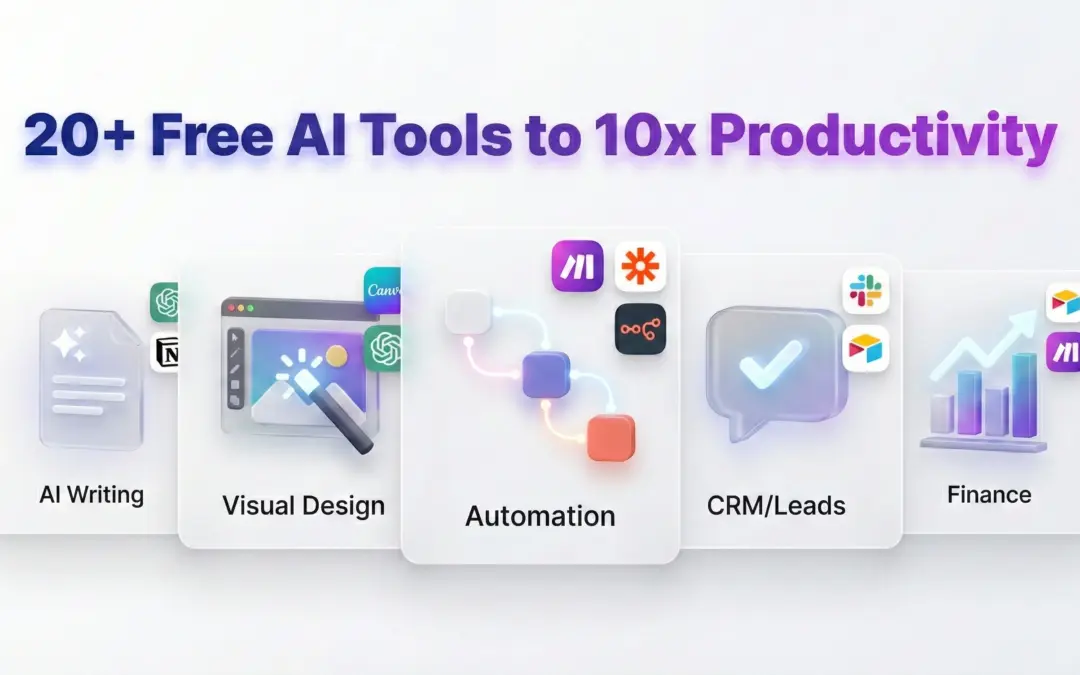
I have put together this guide, covering over 20 free AI business tools for 2026, specifically categorized to help you streamline your operations, automate your messy workflows, and boost your bottom line without incurring unnecessary expenses. Whether you are hunting for AI-powered productivity tools free of charge or the top free AI automation software, this audit is exactly what you need.
20+ Free AI Business Tools for Maximum Productivity (2026)
1. Core Productivity (General Task Boosters)
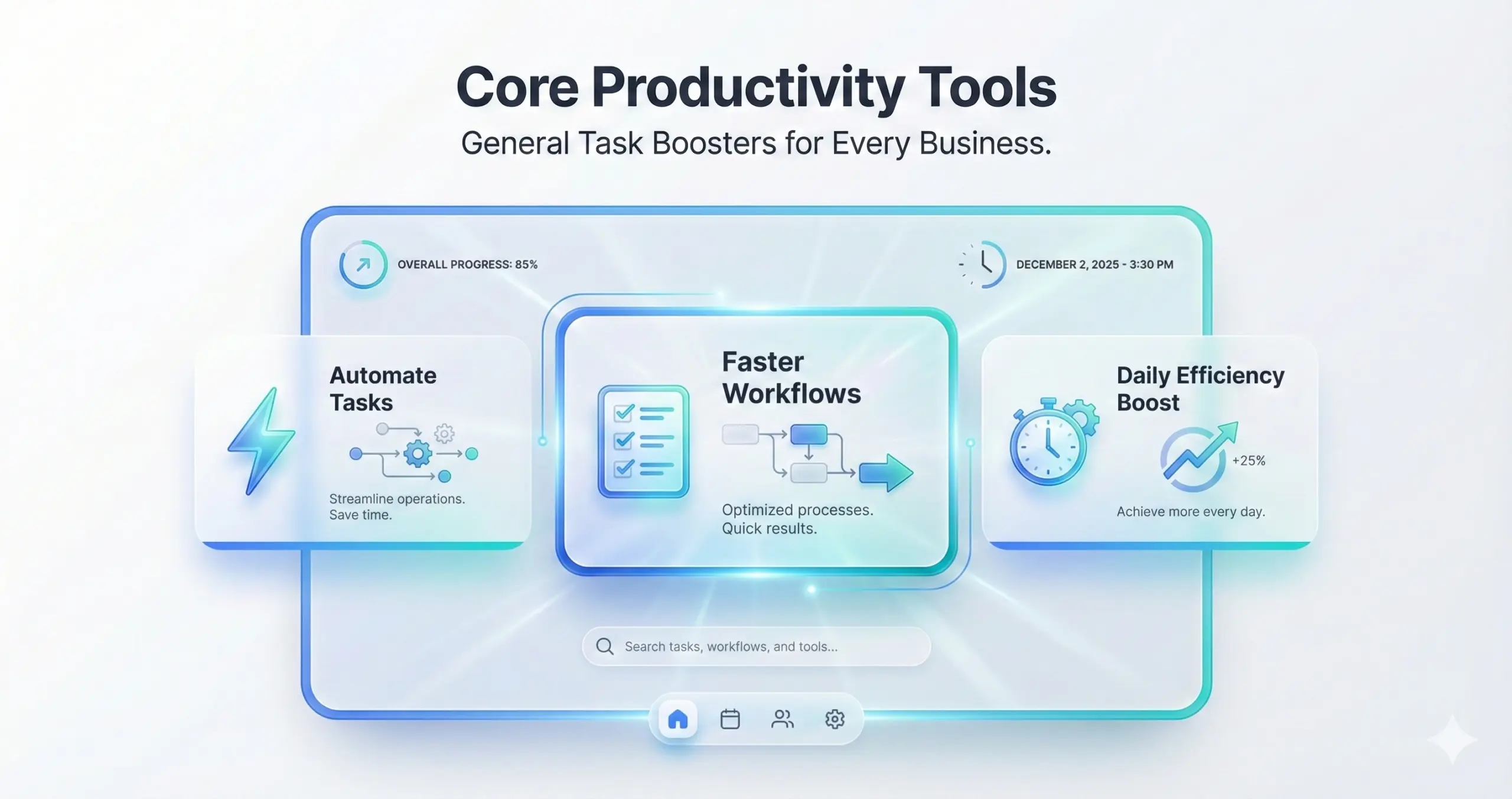
The backbone of any efficient business isn’t the big strategy; it’s how well you handle the “daily grind”—the research, the note-taking, and the internal collaboration. These tested AI tools for productivity are designed to reduce administrative overhead by up to 30%, allowing you to focus on high-leverage activities.
Claude (Free Tier)
Think of Claude, developed by Anthropic, as the “adult in the room.” It is a reasoning-focused chatbot that excels exactly where others tend to hallucinate. It is built for drafting, summarizing, and handling complex problem-solving with a massive context window that actually remembers what you said.
- Key Features: It offers a massive 200K-token context window, artifact creation (so you can preview code/docs in a side window), and very strict ethical guardrails.
- Pros: I’ve found it has superior logic and reasoning capabilities compared to standard GPT models; plus, unlimited basic chats.
- Cons: You will hit a limit of approximately 50 messages/day on the advanced models.
- Use Case: A project manager uploads a dense PDF of quarterly reports and asks Claude to “Summarize the top 3 financial trends,” spotting nuances in minutes.
- Upgrade: Pro at $20/mo if you need priority access.
Perplexity AI
If you are strictly looking for AI tools to boost business productivity via deep research, Perplexity is the current gold standard. It functions less like a chatbot and more like an AI search engine with real-time citations, ensuring you aren’t just getting answers, but getting the truth backed by sources.
- Key Features: Threaded follow-up questions that feel like a conversation, direct source links for fact-checking, and export options to documents.
- Pros: A highly accurate, ad-free search experience, and you get unlimited quick queries.
- Cons: It is capped at 300 Pro (Deep Search) queries per month.
- Use Case: Sales teams query “2026 market trends for SaaS pricing” to prepare data-backed client pitches in seconds rather than hours.
- Upgrade: Pro at $20/mo for deeper analysis and better model selection.
ClickUp Brain
ClickUp Brain isn’t just an add-on; it embeds intelligence directly into your project management workflow. It acts like a “neural network” for your tasks, docs, and people, connecting the dots you might miss.
- Key Features: Auto-generates stand-up updates, connects scattered documents to tasks, and offers role-based insights.
- Pros: Unlimited usage on the free ClickUp tier (which is rare); embeds seamlessly into workflows you already use.
- Cons: The basic AI is free, but the truly advanced features will eventually require a paid plan.
- Use Case: Teams can simply ask, “What’s blocking Q4 deliverables?” and the AI generates an instant dashboard of bottlenecks.
- Upgrade: $5/user/mo for the full AI suite.
Rewind AI
Imagine having a search engine for your entire life. Rewind AI records your screen and makes everything you’ve seen, said, or heard completely searchable. It’s a safety net for your memory.
- Key Features: Timeline search, auto-highlighting of meetings, and strictly privacy-focused local storage (data stays on your device, not the cloud).
- Pros: Unlimited basic search; no cloud upload risks which is huge for privacy.
- Cons: Currently it is limited to personal devices (Mac/iPhone ecosystem).
- Use Case: Freelancers use it to recover forgotten client notes or specific verbal instructions from a Zoom call that happened weeks ago.
- Upgrade: $29/mo for team sharing capabilities.
2.Content Creation (Writing & Visuals)
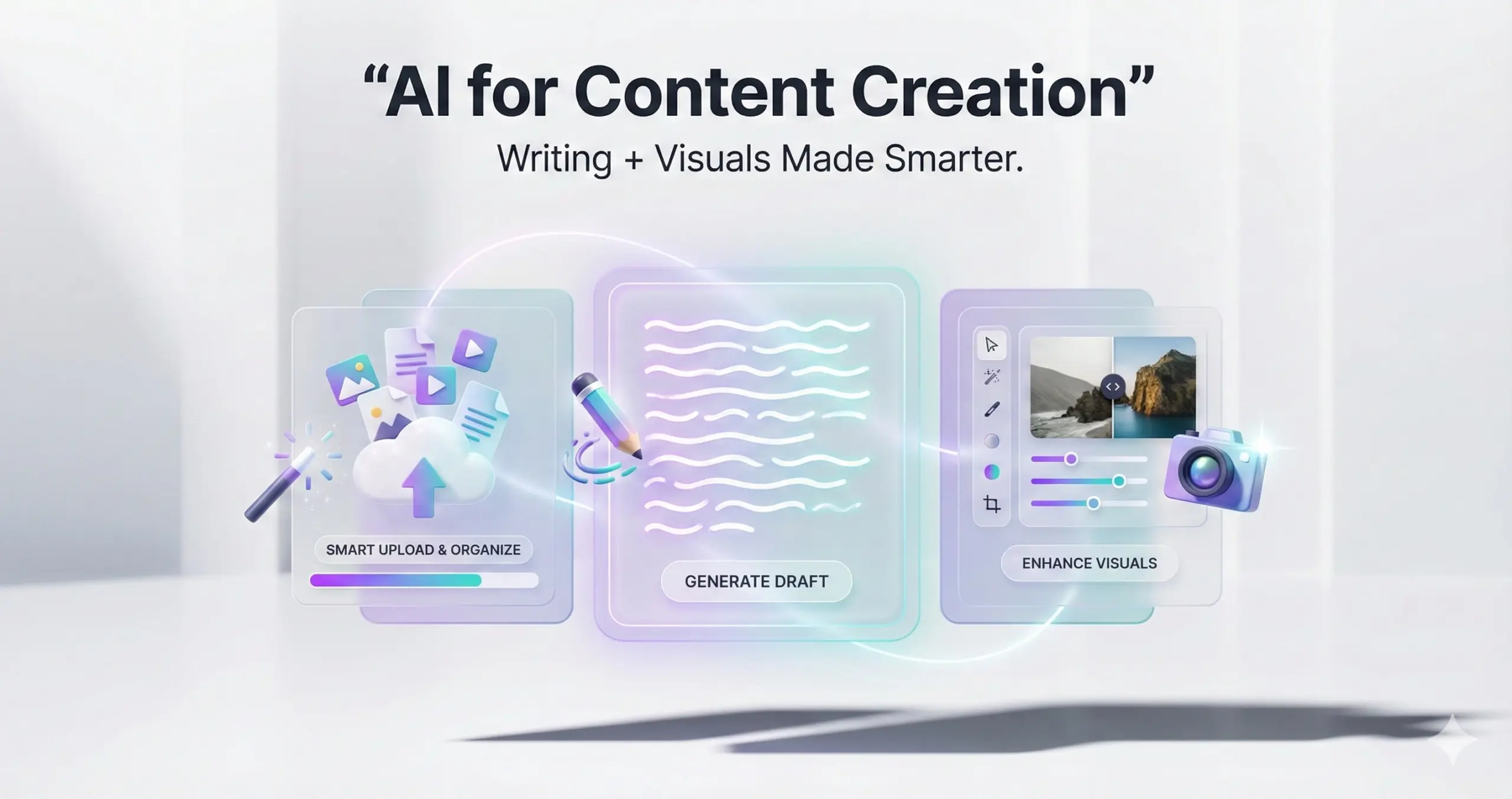
Content is the fuel of modern marketing, but creating it is usually a massive time-sink. These no-cost AI tools for work efficiency are designed to speed up asset creation by 50%, perfect for reports, emails, and social graphics.
Rytr
Rytr is a fast, free AI tool for startups that need copy instantly. It doesn’t overcomplicate things; it specializes in short-form content like emails, headlines, and ad copy that reads well.
- Key Features: Supports 40+ use cases, offers helpful SEO suggestions, and allows unlimited characters on some plans.
- Pros: Great multi-language support; and incredibly quick exports.
- Cons: The plagiarism checker is pretty basic, so double-check vital text.
- Use Case: SMB owners draft engaging product descriptions for Shopify listings using nothing but simple bullet points.
- Upgrade: Saver plan at $9/mo for teams.
Wordtune (Free)
Wordtune isn’t trying to write your ideas for you — it simply tightens the text you already have. It works like a smart editing assistant in your browser, helping you clean up phrasing, adjust tone, and make things clearer without changing what you meant.
- Key Features: Rewrite suggestions (casual vs. formal), summarization, and a tight Gmail/Slack integration.
- Pros: Context-aware suggestions that actually make sense; excellent for non-native English speakers.
- Cons: You are limited to 10 rewrites/day on the free tier.
- Use Case: Executives use it to refine the tone of high-stakes emails to investors to ensure they sound professional yet urgent.
- Upgrade: Unlimited access for $9.99/mo.
Microsoft Designer
A powerhouse among free AI apps for business growth, this tool brings the DALL-E 3 image generation technology to a user-friendly interface with commercial rights included—something many others charge for.
- Key Features: Unlimited generations, style templates, and text overlays.
- Pros: You get “Boosts” for priority generation; and it has deep integration with the MS Office ecosystem.
- Cons: Watermarks are present on the free version exports.
- Use Case: Marketers create custom, royalty-free visuals for blog posts or internal reports without needing to hire a designer.
- Upgrade: None needed for basic usage.
Photopea + Remove.bg
This combo acts as a free AI tool for small business owners who simply can’t justify an expensive Adobe subscription yet need professional results.
- Key Features: Photopea is a browser-based Photoshop clone (PSD support), while Remove.bg offers one-click AI background erasure.
- Pros: No installation required; layer editing; 100% browser-based.
- Cons: Photopea has ads; Remove.bg limits high-res downloads on the free tier.
- Use Case: E-commerce teams clean up amateur product photos to look professional for Amazon listings.
- Upgrade: $9/mo for ad-free usage.
3. Idea Generation & Brainstorming (Sparking Innovation)
Nothing slows you down like a blank page. The tools in this category help you get past that initial block by giving you fresh angles, prompts, and starting points—making it easier to plan, explore ideas, and keep your energy up.
HyperWrite
HyperWrite works like a writing partner that also helps you think. When you’re stuck, it throws out suggestions, alternatives, or angles you may not have considered.
- What it’s good at: breaking down business problems, adjusting tone on the fly, and offering smart “TypeAhead” suggestions that nudge you forward when you’re out of ideas.
- Pros: Integrates directly with writing tools you use; strong free basics.
- Cons: It is heavily dependent on the quality of your prompt.
- Use Case: Startups always use it to brainstorm “growth hacks for Q1” and get a list of actionable strategies.
- Upgrade: Premium at $19.99/mo.
Goblin Tools
Visual learners need visual tools. Ideamap is an AI mind-mapper that visualizes brainstorming sessions so you can see the big picture.
- Key Features: Infinite canvas, AI-suggested branches, and PDF uploads.
- Pros: Collaborative real-time editing; unlimited free tier usage.
- Cons: The interface takes a little getting used to at first.
- Use Case: Creative teams often use it to turn dense client briefs into clear campaign concepts.
- Upgrade: The Pro plan starts at $10 per month.
Ideamap
Visual learners need visual tools. Ideamap is an AI mind-mapper that visualizes brainstorming sessions so you can see the big picture.
- Key Features: Infinite canvas, AI-suggested branches, and PDF uploads.
- Pros: Collaborative real-time editing; unlimited free tier usage.
- Cons: The interface takes a little getting used to at first.
- Use Case: Creative teams often use it to turn dense client briefs into clear campaign concepts.
- Upgrade: The Pro plan starts at $10 per month.
4. Social Media Management (Engagement at Scale)
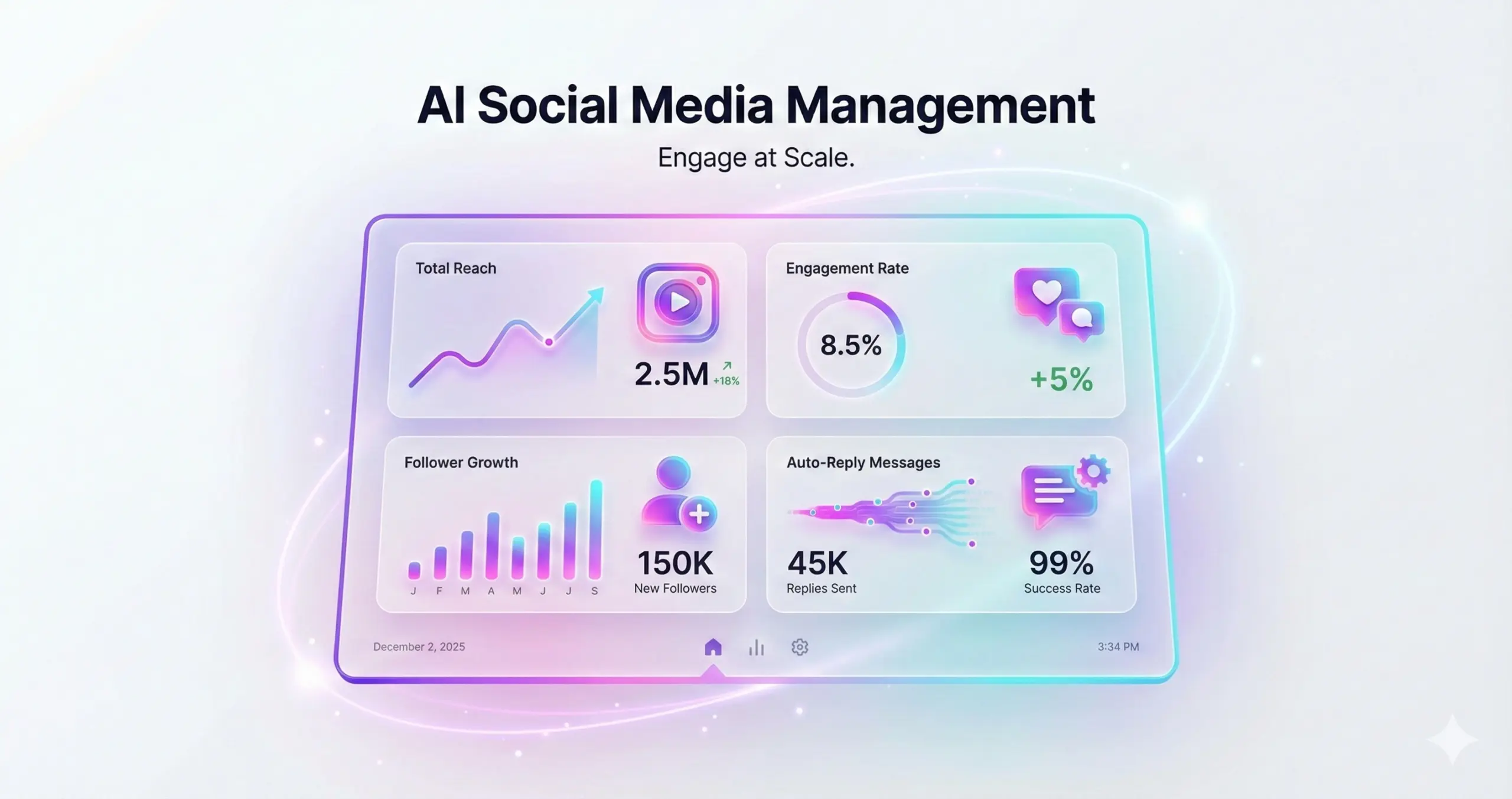
Staying active on social media isn’t easy, especially when you’re juggling everything else. These tools simply help you keep things moving—organising posts, keeping your schedule steady, and making it less of a grind to stay visible and keep people engaged.
VistaCreate AI
VistaCreate works as a practical Canva alternative, giving you plenty of templates, animations, and smart tools to help your designs look polished without much effort.
- What it offers: Make unlimited projects, export in the right format for each platform, and turn simple text ideas into quick short videos when you need something fast.
- Pros: Easy drag-and-drop editor and a huge library of free stock assets.
- Cons: The free plan gives only a small amount of AI credits.
- Use Case: Brands often use it to whip up Instagram carousel posts around trending topics in just a few minutes.
- Upgrade: The Pro version costs $10 per month.
Publer AI
Publer acts as a superhero for free AI tools for marketing and sales, handling caption generation and scheduling for up to 3 accounts without fuss.
- Key Features: 10 scheduled posts/mo (free), analytics basics, and hashtag generation.
- Pros: Cross-platform capability; easy content repurposing.
- Cons: Limited number of “sends” per month.
- Use Case: Solopreneurs queue up their weekly LinkedIn thought-leadership threads on Sunday night.
- Upgrade: Pro at $12/mo.
5.Finance & Accounting (Streamlined Ops)
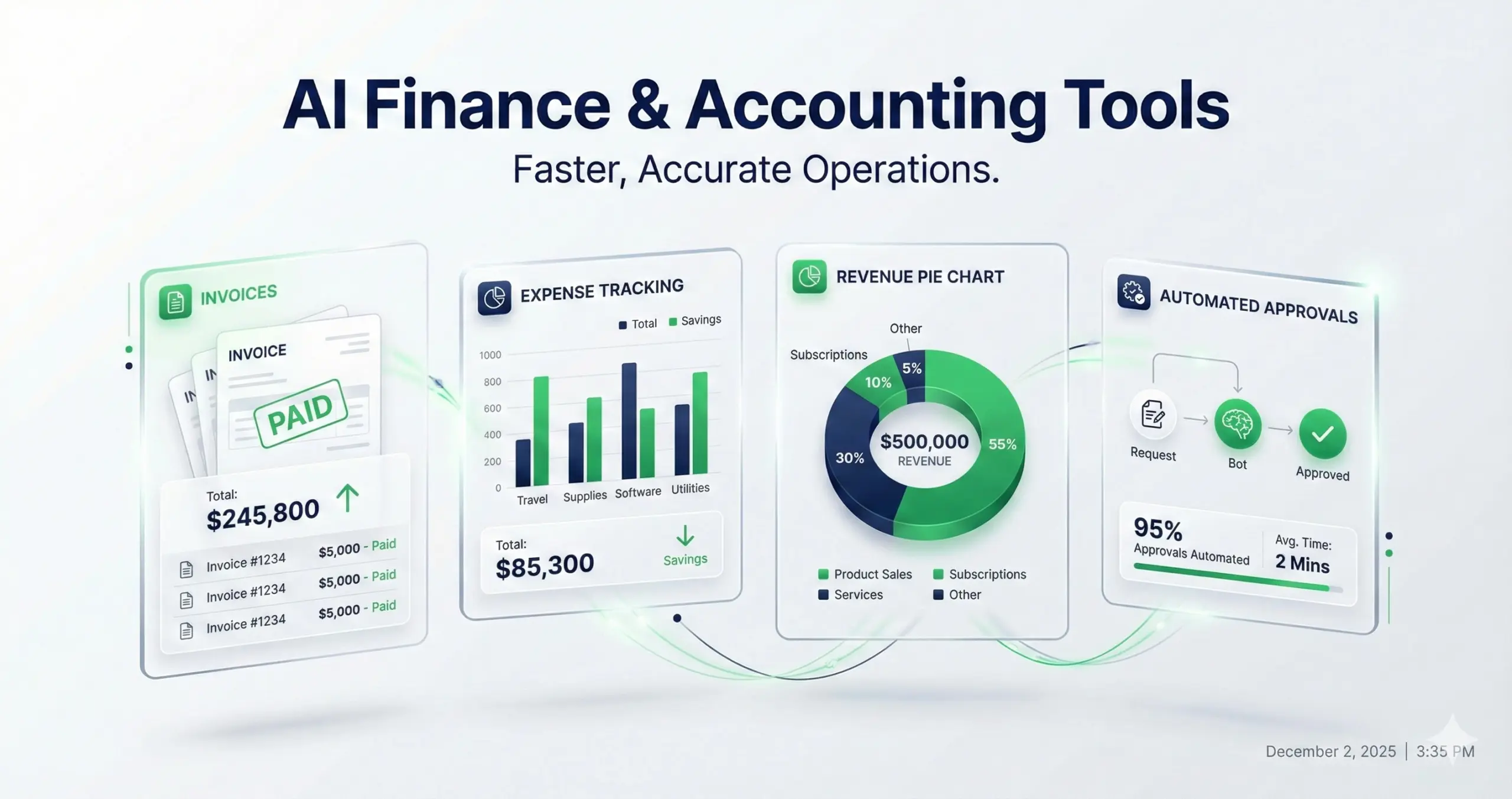
Financial errors can be fatal for a business. Automate your tracking and invoicing to cut errors by 40% using these tested AI tools for productivity.
Wave Accounting
Wave is a rarity in the fintech world: a truly free, unlimited double-entry accounting tool with AI smarts baked in.
- Key Features: Unlimited invoicing, auto-categorization of expenses, and bank connections.
- Pros: Includes a mobile app; seamless payroll add-on available.
- Cons: Charges fees on payment processing (which is standard for the industry).
- Use Case: Freelancers auto-categorize expenses throughout the year to make tax season effortless.
- Upgrade: Pro services available for payroll ($16/mo).
Bookipi InvoiceGPT
Bookipi basically takes whatever paper invoices you have lying around and turns them into digital files using OCR, so you don’t have to type things out by hand.
- Key features: You can make as many invoices as you want for free, and everything stays synced across your phone and laptop.
- Pros: It scans stuff fast and works with different currencies.
- Cons: The reporting section is pretty bare-bones.
- Use Case: Small business owners snap photos of receipts and auto-generate bills for clients.
- Upgrade: Pro at $8/mo.
6. Marketing & Sales (Lead Gen & Personalization)
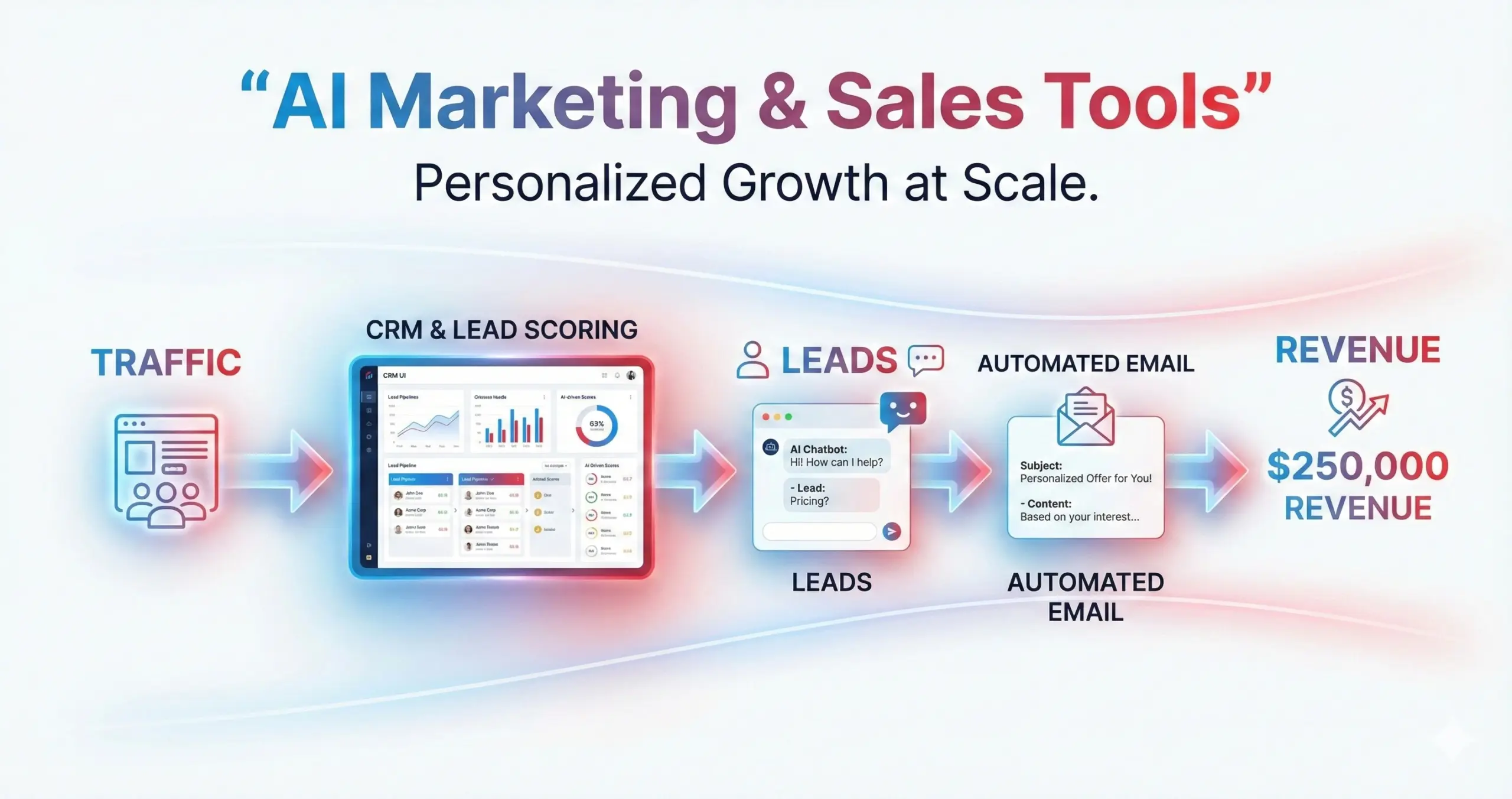
Targeting the right customer with the right message is exactly how you target 20% faster conversions.
Lemlist AI
Lemlist is one of those tools people use when they want their cold emails to actually land in the inbox and not disappear into spam. It focuses a lot on personalization, which is why it tends to get better replies than the usual bulk-send stuff.
- Key features: You can send around 50 emails a day on the free tier, warm up new email accounts, and even create small personalized images for outreach.
- Pros: Great deliverability and solid for outreach that needs to feel like a real human wrote it.
- Cons: Strict send limits on free versions.
- Use Case: SDRs craft personalized outreach campaigns for 100 leads, increasing open rates.
- Upgrade: $59/mo for full automation.
Chatbase
Chatbase lets you create a chatbot that’s trained on your own documents, so it can answer customer questions without you jumping in every time. A lot of businesses use it to cut down support workload.
Key features: You can make one bot, get about 30 messages a month on the free plan, and can embed it straight into your website.
- Pros: No-code setup; captures leads during conversations.
- Cons: Low message cap on the free tier.
- Use Case: Service websites qualify visitors via FAQ bots that answer questions based specifically on their PDF brochures.
- Upgrade: $19/mo.
7. Automation (No-Code Workflows)

Connecting your apps is the ultimate leverage. These tools save 50% of admin time by automating data transfer, so you don’t have to copy-paste.
Zapier vs Make – Which is the best fit for your business?
Zapier (Free Tier)
The industry standard for how to use free AI tools for business automation.
- Key Features: Lets you run up to 100 tasks a month, connects to over 7,000 apps, and even suggests workflow ideas.
- Pros: Super easy for beginners and can handle multi-step processes.
- Cons: Active users can hit the task limit quickly.
- Use Case: Automatically move new leads from a Facebook Form into a Google Sheet or your CRM.
- Upgrade: Starter at $20/mo.
n8n (Self-Hosted Free)
If you’re comfortable with servers, n8n the best free AI productivity tool, lets you set up almost any automation for free—no limits on what you can connect or run.
- Key Features: 300+ nodes, support for custom JavaScript, and a fair-code license.
- Pros: Unlimited runs if you host it yourself; keeps your data private.
- Cons: You need to set up a server (Docker/Node.js).
- Use Case: Developers rely on it to grab and handle data from APIs without worrying about paying for each task.
- Upgrade: You can switch to the cloud version for $20 a month.
IFTTT
IFTTT, short for “If This, Then That,” is basically the easiest way to start automating stuff if you don’t know much about tech.
- What it does: Lets you link apps together so that one action triggers another—good for personal stuff or small business tasks.
- Good: Super simple to use, and the free plan works fine for most things.
- Bad: Doesn’t scale well if you need it for big teams or complex workflows.
- Example: Ping your team on Slack automatically whenever a VIP client emails.
- Extra: Pro plan is $3.49/month.
Make (formerly Integromat)
Make is for when you need more than simple automations. It’s visual, so you can drag things around to build workflows with multiple steps and conditions.
What it does: Lets you set up complicated “if/then/else” scenarios, and it handles errors better than most.
Good: Cheaper than Zapier if you do a lot of tasks.
Bad: Takes time to figure out if you’re new to automation.
Example: Pull data from your CRM and push it to a project board with branching logic.
Extra: Core plan is $9/month.
Tome.app
Tome turns your text outlines into full presentations so you don’t have to spend hours on decks.
What it does: Feed in a prompt or outline, and it generates slides automatically.
Good: Keeps your story clear and looks decent when exported.
Bad: Templates can feel basic or repetitive.
Example: Build an investor pitch deck from a quick text outline in minutes.
Extra: Pro plan costs $16/month.
Tool Comparison Table
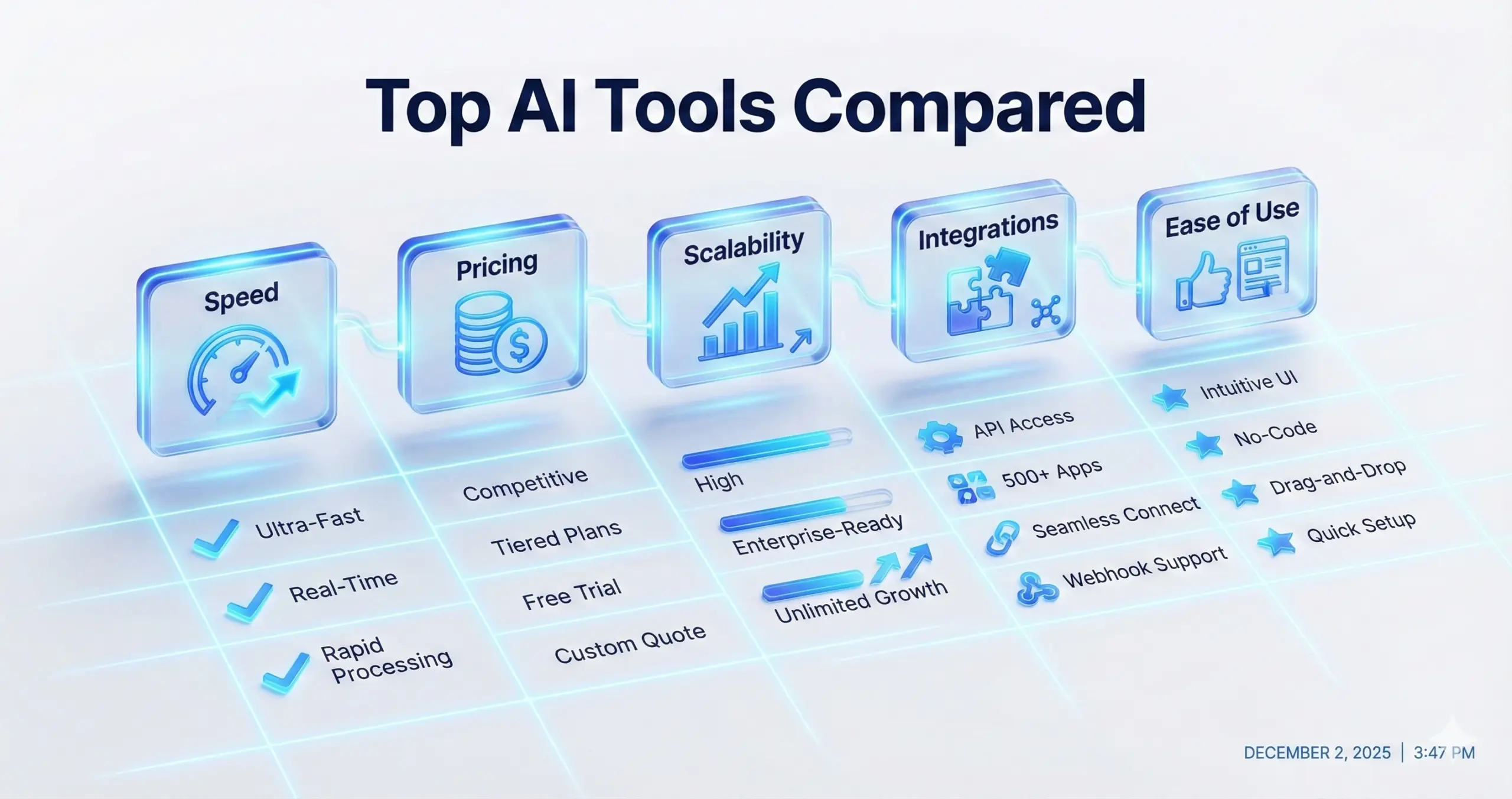
To help you decide which free AI tools are best for startups, review this quick comparison:
|
Tool |
Category |
Free Limits |
Best For |
Rating (1-5) |
|
Claude |
Core Productivity |
~50 msgs/day |
Reasoning & Logic |
4.8 |
|
Perplexity |
Core Productivity |
Unlimited quick |
Research & Citations |
4.7 |
|
ClickUp Brain |
Core Productivity |
Unlimited basics |
PM Insights |
4.6 |
|
Rytr |
Content |
Unlimited words |
Copywriting |
4.7 |
|
Wordtune |
Content |
10 rewrites/day |
Polishing/Editing |
4.6 |
|
MS Designer |
Content |
Unlimited gens |
Image Generation |
4.8 |
|
HyperWrite |
Idea Gen |
Free basics |
Brainstorming |
4.6 |
|
Goblin Tools |
Idea Gen |
Unlimited |
Task Breakdown |
4.5 |
|
Wave |
Finance |
Unlimited |
Bookkeeping |
4.7 |
|
Zapier |
Automation |
100 tasks/mo |
Connecting Apps |
4.8 |
|
n8n |
Automation |
Unlimited (Self-hosted) |
Custom Workflows |
4.7 |
How to Choose the Right AI Tool for Your Business
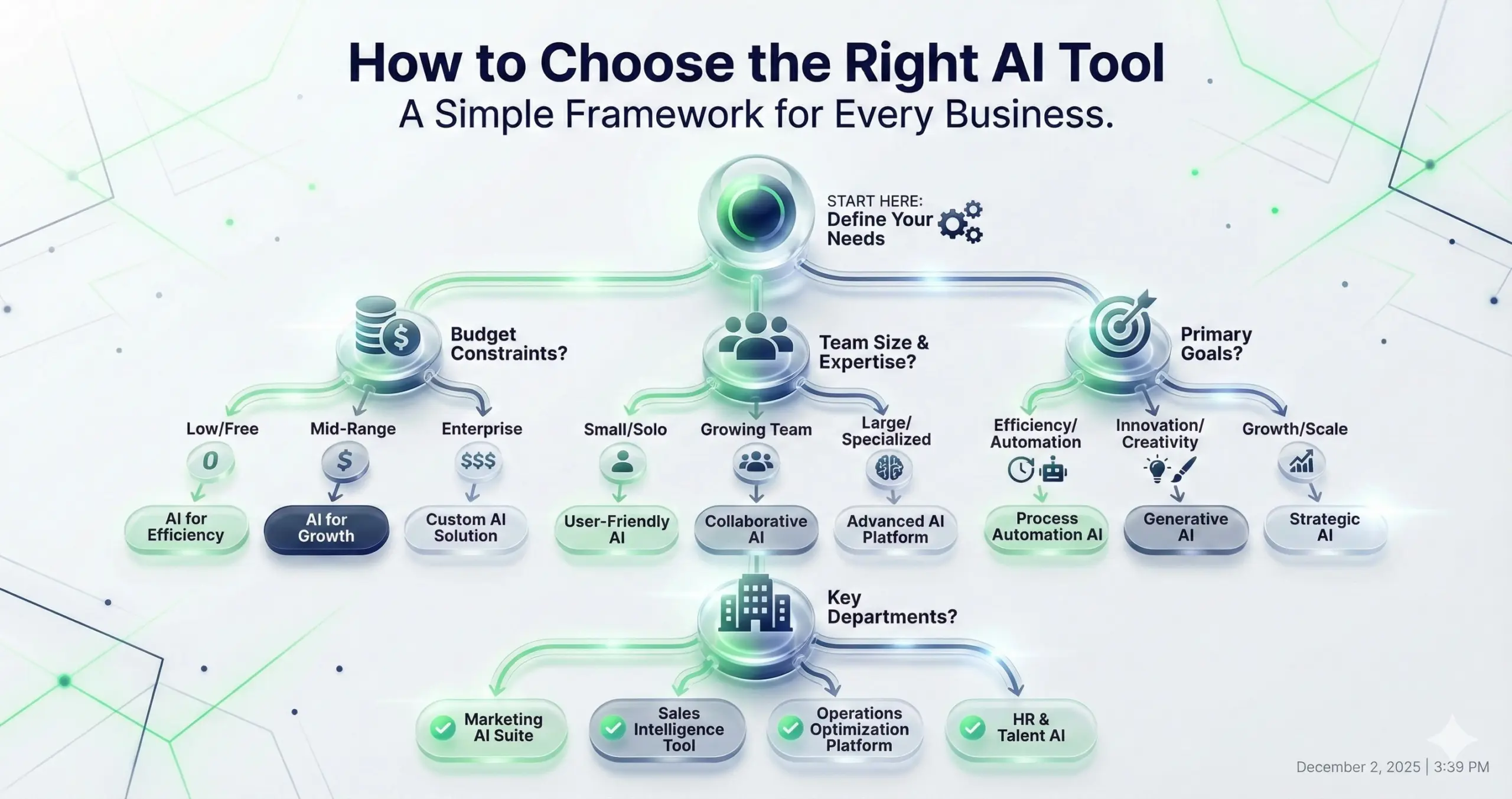
There are tons of free AI business tools 2026 out there, and honestly, it’s easy to get stuck trying to pick the right ones. Here’s a simple approach:
- Figure out the real problem: Don’t grab a tool just because it’s popular. If your leads are all over the place, look at Lemlist or Chatbase. If admin work is piling up, Zapier or ClickUp can help.
- Check the free tier: Some ai automation software reviews sound free, but you can’t actually do much without paying. Make sure you can get through a full workflow—emails, tasks, or images before committing.
- Think about your team: n8n is awesome but needs someone technical. Rytr is easy enough for anyone to pick up. Pick tools your team can actually use.
- Plan for growth: You don’t want to hit a wall immediately. Tools like Wave and Goblin Tools are great because they stay useful even before you upgrade.
Conclusion
You don’t need a giant budget to access tools that used to cost thousands. The tools in this guide are trusted AI tools for productivity as they are real, tested, and free right now.
From automating invoices with Wave to planning Q1 strategies with HyperWrite, these aren’t just “nice-to-have” tools—they actually make your business run smoother.
Next step: Don’t try to use all 20 tools at once. Pick the area that frustrates you most (Automation, Content, etc.), start with one tool, test it for a week, see the time you save, then expand.
Ready to transform your workflow? Start with Claude for your daily tasks and Zapier to connect your apps, and watch your productivity 10x.
Q: What are the best free AI tools for productivity?
Ans: The best overall tools are Claude for reasoning/writing, Perplexity for research, ClickUp Brain for project management, and Zapier for automation. These four cover the core operational needs of most businesses.
Q: How can free AI tools improve business efficiency?
Ans: Free AI tools for team collaboration and automation reduce manual data entry, speed up content creation, and provide instant answers to complex queries. This allows teams to reclaim 30-50% of their time for strategic work.
Q: Are there any tested free AI tools for business growth?
Ans: Yes, tools like Lemlist (outreach), VistaCreate (social marketing), and Chatbase (lead capture) directly impact growth metrics like lead generation and conversion rates.
Q: Which free AI tools are best for startups?
Ans: Startups benefit most from Wave Accounting (financials), Canva/VistaCreate (marketing assets), and Rytr (copywriting), as these cover the most expensive operational departments for free.